












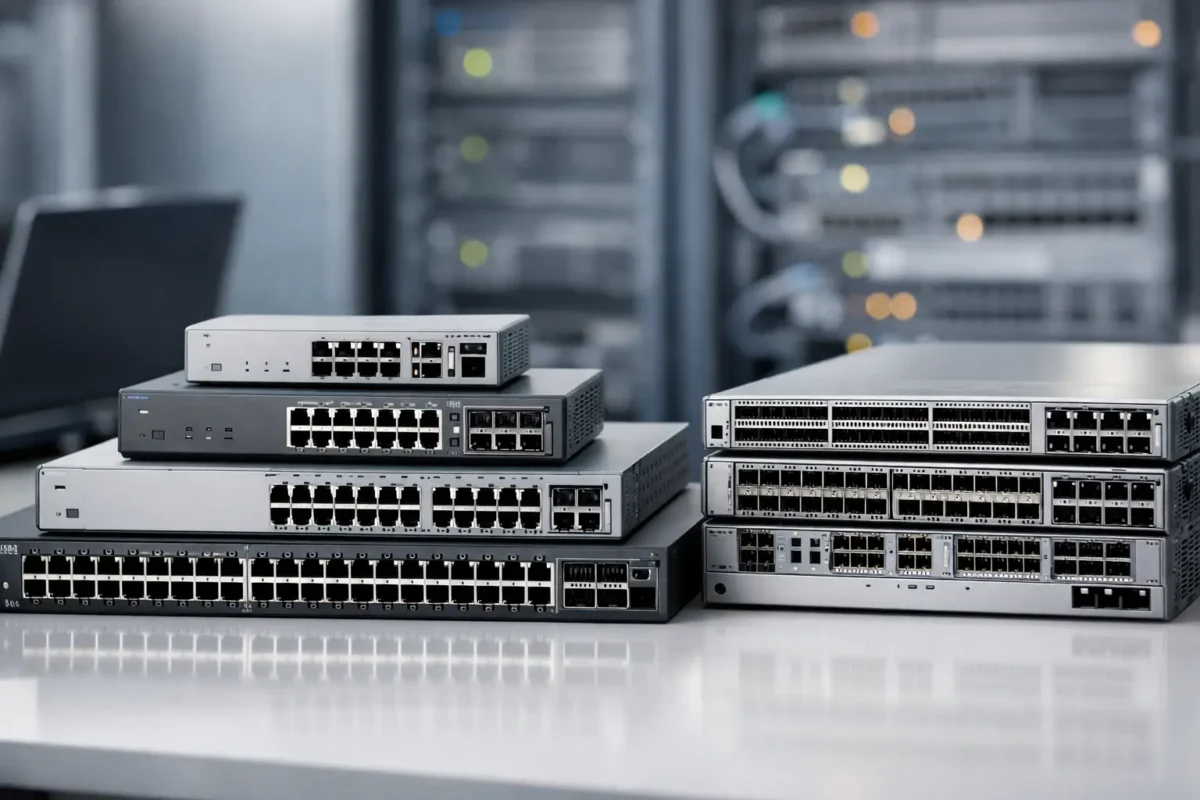
If you are comparing the best Cisco switch models, the real question is not which badge looks strongest on a rack shelf. It is which model gives you the right mix of port density, PoE budget, uplink speed, management features and lifecycle value without paying for capability you will never use. That matters whether you are replacing a failed access switch, standardising branch hardware or buying discounted enterprise kit to stretch budget further.
Best Cisco switch models for different network sizes
Cisco’s switch portfolio is broad enough to create expensive mistakes if you buy by series name alone. Some lines are built for small offices with limited management overhead, while others are designed for campus access, distribution or data centre workloads where scale, redundancy and advanced policy control are non-negotiable. The best fit usually comes down to deployment role first, model family second.
For smaller sites, the Cisco CBS series is often the sensible starting point. These switches sit in the business segment rather than the full enterprise stack, which means lower entry cost and simpler administration. If your requirement is dependable Layer 2 switching, optional Layer 3 lite features, Gigabit access ports and PoE for phones, cameras or access points, CBS models cover a lot of ground without dragging in enterprise licencing complexity.
For mainstream enterprise access, the Catalyst range remains the benchmark. This is where most buyers land when they need stronger security policy support, stacking, better automation options and a clearer long-term place in Cisco environments. Within that family, older generations can still make financial sense on the secondary market, while current models suit buyers who want longer support windows and newer software capabilities.
Then there is the Nexus line. If you are buying for a data centre, server top-of-rack or low-latency east-west traffic pattern, Catalyst is usually not the right answer. Nexus models are engineered around higher throughput, faster uplinks and data-centre-specific operational requirements.
Cisco CBS 250 and CBS 350
The CBS 250 and CBS 350 are strong contenders when buyers ask for the best Cisco switch models on a tighter budget. They are particularly well suited to SMEs, retail sites, satellite offices and straightforward edge deployments where price discipline matters as much as brand reliability.
The CBS 250 is the simpler option. It gives you managed switching with solid Layer 2 features, VLAN support, QoS, link aggregation and selected Layer 3 static routing on certain variants. For many small businesses, that is enough. If the network is not heavily segmented and there is no need for advanced policy enforcement, paying more for Catalyst can be difficult to justify.
The CBS 350 steps up with fuller management capability and stronger Layer 3 functionality. That makes it the better choice if you expect routing at the edge, more granular traffic control or future growth beyond a single flat network. It costs more, but in the right environment it prevents an early refresh.
PoE budget is the point buyers often overlook. A 24-port PoE switch looks generous until you attach Wi-Fi 6 access points, IP handsets and a few cameras. Check the wattage, not just the port count. A lower-priced switch can become the wrong deal if you need midspan injectors or a second unit to cover power demand.
Catalyst 2960X and 2960L
If you are sourcing proven enterprise access hardware and want strong value in used or refurbished stock, the Catalyst 2960X still deserves attention. It has been a dependable workhorse in countless campus and branch deployments, and it remains attractive for buyers who need reliable Gigabit access switching with Cisco familiarity at a reduced cost.
The 2960X works best where requirements are stable. It offers Layer 2 switching, limited Layer 3 features depending on image, optional stacking on many models and PoE variants that still suit phones, legacy access points and general office edge connectivity. For replacement scenarios, matching an installed base of 2960X switches can be more practical than introducing a newer series with different management expectations.
The 2960L is the leaner relation. It is compact, quieter in some variants and often better for small branch environments that need Cisco enterprise branding without the full feature profile of larger Catalyst lines. The trade-off is expansion headroom. If you know uplink speed, stacking or policy control will become important, the lower upfront cost may not hold up over the life of the deployment.
For buyers focused on immediate availability and sharp pricing, these models still have a place. They are not the newest option, but not every network needs the newest option.
Catalyst 9200 and 9300
For organisations buying current-generation enterprise access switches, the Catalyst 9200 and 9300 are the most common shortlists. They are among the best Cisco switch models for modern campus and branch roll-outs because they balance performance, software support and operational consistency across larger estates.
The Catalyst 9200 fits well at the access layer for branches, schools, mid-sized offices and general enterprise edge deployments. You get strong security features, automation support, modular uplink options on many models, stacking and a more future-ready platform than older 2960 hardware. It is a sensible default choice when you want modern Catalyst capability without moving straight to a premium access platform.
The Catalyst 9300 is the step up for denser, more demanding environments. It is widely used where throughput, stacking bandwidth, higher PoE budgets and richer feature sets matter. If you are deploying newer wireless estates, heavier endpoint counts or more segmented access networks, the 9300 usually gives you more room to grow. It is also a common standardisation choice for enterprise buyers who want one access platform across multiple sites.
The catch is budget. A 9300 can be overkill for a small office that only needs 24 Gigabit ports and a handful of phones. Paying enterprise premium for unused capacity is rarely smart procurement. On the other hand, underbuying at the edge can be just as expensive if it triggers an upgrade sooner than planned.
Cisco Nexus 3000 and 9000
When the requirement shifts from user access to server connectivity, storage traffic or high-speed aggregation, Nexus enters the conversation. The Nexus 3000 series is popular for low-latency deployments and top-of-rack switching in environments where 10GbE, 25GbE or faster uplinks are standard rather than optional.
These switches appeal to data centre teams that care about throughput, buffer behaviour, port speed flexibility and operational consistency in virtualised infrastructure. They are less about office edge convenience and more about performance and architecture. If your workload includes dense host connectivity or east-west traffic between servers, a Catalyst access switch is not the right comparison.
The Nexus 9000 series goes further, especially in larger data centre builds and environments aligned with software-defined networking strategies. This is a higher-investment class of hardware, so buyers should be clear on whether they actually need those capabilities. If your environment is a modest server room with a couple of hosts and a firewall pair, Nexus may be excessive. If you are building a scalable data centre fabric, it starts to make sense quickly.
How to choose among the best Cisco switch models
Start with the role. Access switching for users, phones and APs points you towards CBS, Catalyst 2960, 9200 or 9300 depending on budget and feature needs. Distribution, core and data centre jobs push you towards higher-end Catalyst or Nexus hardware.
Then look at speed. Gigabit access is still common, but uplinks are where many older purchases become limiting. A switch with only 1G uplinks can bottleneck newer wireless or server-heavy environments. If growth is likely, 10G uplinks are often worth prioritising.
After that, check PoE and stacking. PoE is not just a tick-box feature. The available power budget decides whether the switch can support modern access points and cameras properly. Stacking matters if you want simpler management and resilience across multiple switches, but it is not essential in every small branch.
Software and support also matter. Newer Catalyst models typically offer a longer runway. Older models can deliver excellent value if you are comfortable with their support status and feature ceiling. For many buyers, especially those sourcing replacement hardware or expanding an existing estate, discounted used enterprise stock is the best commercial decision. Green Code UK often sees that pattern with procurement teams trying to balance compatibility, lead times and spend.
Finally, buy by exact model number, not by family name alone. Within any Cisco series, uplink modules, licensing level, PoE capability and airflow or power options can vary enough to change suitability completely. Two switches from the same line can fit very different use cases.
The right Cisco switch is rarely the most expensive one on the list. It is the one that matches your port profile, power requirements, management preference and support expectations closely enough that you can deploy it now without creating the next replacement problem six months later.
