












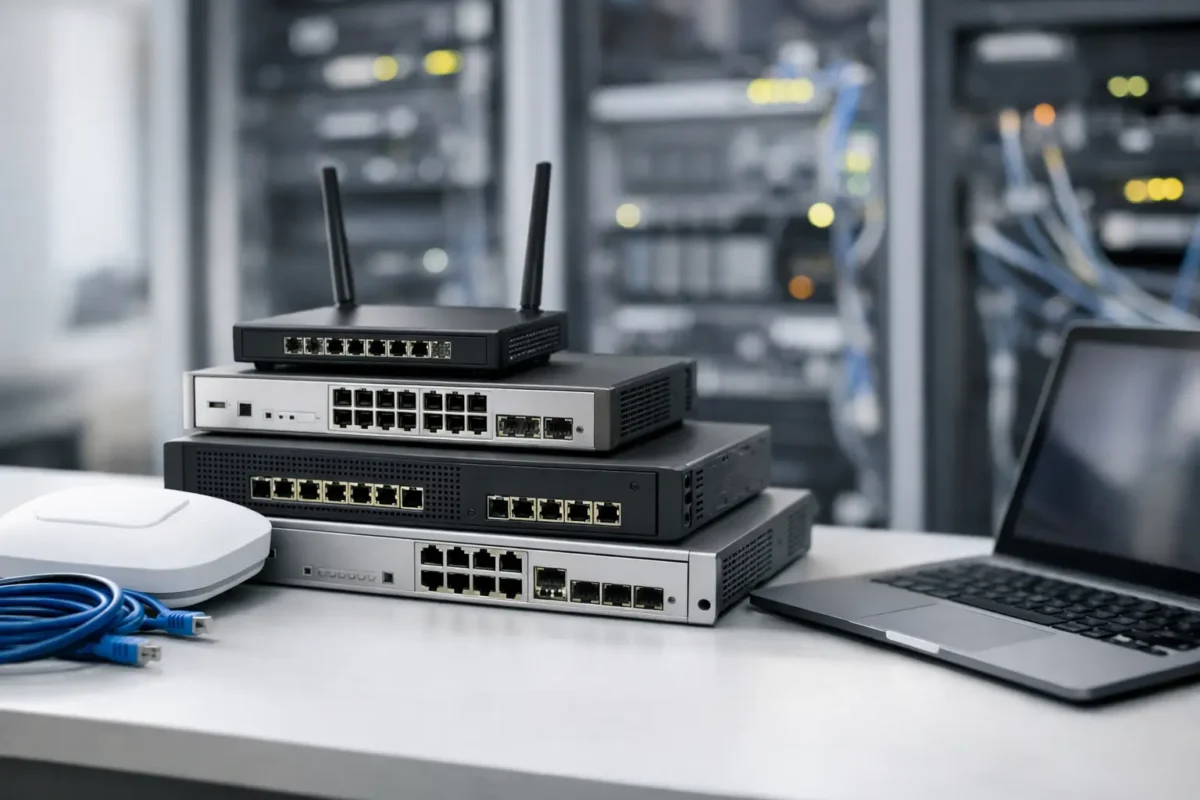
The fastest way to waste budget on network infrastructure is to buy by brand badge alone. A Cisco, HPE, Juniper or Fortinet label tells you plenty about ecosystem and support expectations, but it does not tell you whether the hardware actually fits your port density, uplink design, licensing model, rack space, power envelope or replacement cycle. This enterprise networking hardware buying guide is built for buyers who already know the basics and need to make cleaner purchasing decisions under real commercial pressure.
If you are buying for a single site refresh, a branch rollout, a warehouse expansion or a staged replacement of ageing core equipment, the goal is the same – match specification to workload without paying for throughput, features or support tiers you will never use. That sounds obvious, yet overspend usually happens in the margins: the wrong optics, the wrong PSU configuration, a switch stack that cannot scale cleanly, or a firewall bought on headline performance rather than enabled security services.
How to use this enterprise networking hardware buying guide
Start with the network you need to operate in twelve to thirty-six months, not the one sitting in the rack today. Buyers often scope to current utilisation, then discover six months later that new AP density, additional cameras, more VoIP handsets or a cloud migration has changed east-west traffic patterns and uplink demand.
For that reason, every hardware decision should be tested against five questions. What is the real traffic profile? How much growth is likely? Which features are mandatory on day one? Which licences are required to enable them? And how quickly do you need replacement availability if a unit fails? Those answers shape whether current-generation hardware, certified used enterprise kit or a mixed estate makes commercial sense.
Switches: where most buying mistakes begin
Switching is often treated as a port-count exercise. It is not. A 48-port unit can be either a cost-effective access switch or an expensive bottleneck depending on PoE budget, uplink speed, switching capacity, stacking support and Layer 3 capability.
At the access layer, PoE and PoE+ requirements matter more than many buyers expect. A switch may offer the right number of ports but still fall short if you are powering Wi-Fi 6 access points, IP phones and cameras from the same chassis. Check total power budget, per-port delivery and PSU options. If your estate is growing, modular power or higher headroom can save a premature replacement.
Uplinks are the next trap. Gigabit downlinks with 10Gb uplinks may be fine for one office floor, but not for a stack feeding dense wireless or surveillance traffic. If there is any realistic path to 25Gb aggregation or faster server access, buying only for today can be false economy. The cheapest switch is not the best value if it forces another migration inside two budget cycles.
Stacking and management also deserve scrutiny. Some models stack physically, some virtually, and some not at all. The operational difference is significant. If your team wants simplified management and cleaner failover, stack architecture should be part of the buying brief, not an afterthought.
Core and aggregation switching
For core or aggregation roles, backplane capacity, latency, redundancy and line-rate performance take priority. Here, the premium between model families can be justified, but only if the traffic profile demands it. Paying extra for advanced routing, deep buffers or modular expansion is sensible in a busy data centre edge or multi-building campus. It is harder to defend in a small branch with predictable traffic and little local compute.
Redundant power supplies and hot-swappable fans are usually worth the spend in critical roles. In secondary or non-critical environments, fixed-configuration units with simpler serviceability can reduce capital cost without introducing serious risk.
Routers and edge hardware: buy for topology, not brochure speed
Router buying goes wrong when buyers compare headline throughput without checking the conditions attached to it. Performance figures often vary based on packet size, services enabled, VPN use and inspection load. A branch router that looks comfortably specified on paper can struggle once SD-WAN, encrypted tunnels and security policies are active.
Think about the edge in terms of connection types, failover requirements and service mix. If dual WAN, LTE backup or dynamic path selection are part of the design, check native support and licensing. If the device is expected to handle voice, VPN and application-aware routing at the same time, price against sustained real-world throughput rather than theoretical maximums.
There is also a practical procurement point here. For replacements and spares, exact model compatibility matters. Interface modules, power supplies and software entitlement can affect whether a low-cost deal is genuinely usable or simply cheap.
Firewalls: security features are rarely included by default
Security appliances deserve a harder commercial review than almost any other network category because the chassis price is only part of the spend. Threat protection, web filtering, advanced malware services, VPN capacity and centralised management may all sit behind separate licences or subscriptions.
That means a lower upfront firewall price can become a more expensive three-year buy once subscriptions are added. Equally, a premium model can be justified if it consolidates functions you would otherwise source elsewhere. The right comparison is total deployed cost against required inspection throughput with your actual security stack enabled.
For Fortinet, Cisco, Juniper and similar platforms, ask a simple question before purchase: what performance remains once the features you intend to use are switched on? If the answer is vague, the quote is incomplete.
High availability is another point where it depends. In many environments, an HA pair is non-negotiable. In smaller sites, a cold spare backed by warranty and rapid replacement may be a more efficient use of budget. Both are valid, but they solve different risks.
Wireless access points and controllers
Wireless projects often fail because wired assumptions are carried over. Buyers count APs by floor area, then ignore client density, roaming behaviour, building materials and power availability. A lower AP count may look attractive on cost, but poor coverage or capacity quickly becomes a support issue.
Wi-Fi 6 and newer standards have changed the access layer calculation. Multi-gig switching, PoE budget and uplink planning now sit closer to the centre of the buying decision. An access point refresh may force a switch refresh. If the wired layer cannot support the wireless roadmap, buying APs first can delay the outcome you want.
Controller model matters too. Some estates benefit from hardware controllers, others from cloud-managed platforms, and others from embedded or virtual approaches. The cheapest path upfront is not always the cheapest to run if management overhead is high across multiple sites.
New, used or mixed estate?
For many buyers, this is where the strongest savings sit. New hardware makes sense for net-new deployments, long lifecycle projects and environments where vendor support alignment is mandatory. Used enterprise equipment makes sense for expansion of existing estates, urgent replacement of failed units, lab environments and cost-controlled refreshes where compatibility matters more than chasing the latest release.
The decision should be based on risk tolerance and role. A used access switch from a known OEM with verified part numbers and warranty coverage can be a smart buy. A heavily discounted core platform with uncertain licensing, incomplete accessories or poor support history is a different proposition.
This is where a broad reseller catalogue becomes useful. If you can compare current and legacy models, match optics and accessories, and source exact replacements without waiting on long lead times, you protect uptime as well as budget. Green code UK serves that type of buyer well because the real win is often availability plus price, not price alone.
Compatibility, licensing and hidden costs
The line item price is rarely the final number. Transceivers, rack kits, rails, power cords, secondary PSUs, smart licences, support contracts and feature keys all affect deployed cost. On server-connected or storage-adjacent networks, optics compatibility becomes especially important. A discounted switch can lose its value fast if every uplink needs overpriced modules or unsupported third-party optics.
Procurement teams should also watch for regional SKUs, firmware constraints and support transfer rules. Especially in mixed or legacy estates, these details decide whether hardware slots straight into production or creates avoidable delay.
What good buying looks like
A good buy is not the newest unit, the cheapest quote or the most famous brand. It is hardware that meets the technical brief, fits the licensing model, ships with the right accessories, and leaves enough headroom for realistic growth without dragging cost into fantasy territory.
If you are refreshing access switching, validate PoE, uplinks and stack design before comparing deals. If you are buying firewalls, cost the subscriptions before approving the chassis. If you are sourcing replacements, prioritise exact compatibility and stock certainty. And if a used unit gets you the same operational outcome at a lower capital cost, do not reject it simply because it is not factory fresh.
Enterprise buying is rarely about perfection. It is about selecting the right compromise between performance, lifecycle, support and price while stock is available. Make that compromise deliberately, and the network will usually repay you with fewer surprises.
