












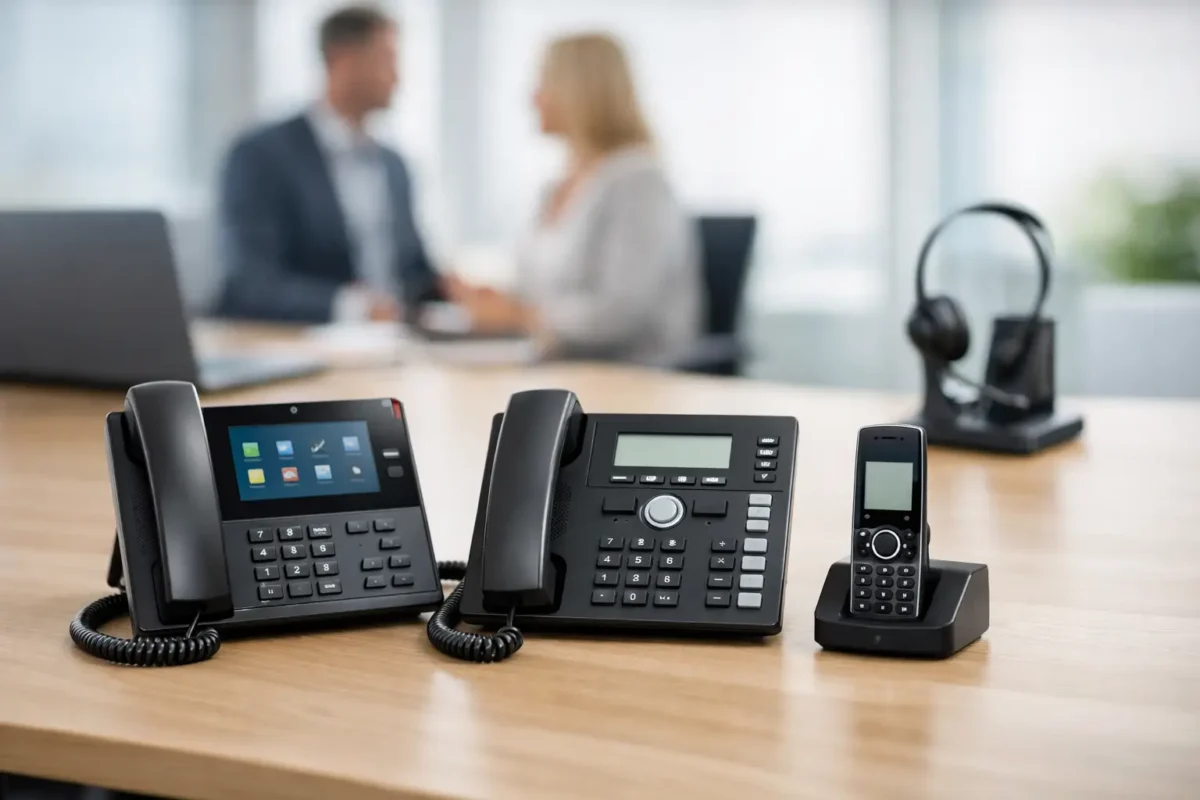
A cheap handset that drops calls at reception, fails on PoE, or will not register cleanly with your PBX is not a saving – it is a support ticket waiting to happen. That is why buying ip phones properly matters. For IT teams, MSPs and procurement buyers, the real job is not just finding a handset with the lowest price. It is matching the right desk phone, conference unit or expansion setup to the network, the call platform and the budget.
Most businesses buying IP telephony hardware are balancing three pressures at once. They want recognised brands, straightforward compatibility and pricing that does not get out of hand when the order grows from five handsets to fifty. That means looking beyond headline features and focusing on deployment reality.
What ip phones actually need to do
At a basic level, ip phones convert voice into data traffic and run over the same IP network as the rest of your infrastructure. That sounds simple enough, but the buying decision quickly becomes more technical once you factor in VLAN support, SIP compatibility, PoE requirements, codec support, security settings and provisioning.
For a small office with a hosted voice platform, the priority may be straightforward setup, decent call quality and a clean user interface. For a larger site, the requirement shifts towards central provisioning, survivability, busy lamp fields, expansion modules and broad interoperability with existing switching and voice estate. A reception phone is not the same purchase as a hot-desk handset or a boardroom conference unit.
This is where branded enterprise hardware earns its keep. Cisco, Huawei and other established vendors tend to offer stronger documentation, better firmware maturity and more predictable support for professional deployment scenarios. Used and legacy models can also make sense if you are replacing failed units in an existing estate and need exact model continuity rather than a full platform refresh.
How to choose ip phones without wasting budget
The first filter is your call platform. If you are running a hosted SIP service, Microsoft Teams-compatible environment through supported devices, or an on-prem PBX, the handset must fit that environment cleanly. The phrase “SIP supported” on a listing is useful, but it is not the whole story. Some devices work broadly across platforms, while others are tied more tightly to a particular ecosystem, firmware branch or licensing arrangement.
The second filter is power and switching. Many business ip phones rely on PoE, which simplifies desk deployment and avoids separate power bricks. That is efficient, but only if your switch estate can provide the required standard and power budget at scale. Ordering forty handsets without checking switch capacity is the sort of mistake that turns a quick rollout into an unplanned switch upgrade.
Then there is the practical desktop feature set. Entry-level handsets are fine for common users who need stable voice, a modest display and a handful of line keys. Executives, reception teams and call-heavy departments usually need more – larger screens, more programmable buttons, headset support, Bluetooth, Wi-Fi on selected models, USB connectivity or expansion modules. Paying for those features on every desk can inflate the order unnecessarily, but under-specifying front-of-house roles creates friction every day.
The specification points buyers should check
Audio quality is an obvious one, but it is worth checking properly. Wideband audio support, echo cancellation and strong speakerphone performance matter far more in busy offices and shared spaces than they do on a quiet spec sheet. If staff regularly use conference mode or work in open-plan environments, poor acoustics become a productivity problem quickly.
Screen type and interface also matter more than many buyers expect. A monochrome display may be perfectly adequate for standard extension use, while colour touch displays are often better suited to managers, receptionists or users handling multiple call flows. The right answer depends on role, not on whichever model looks most impressive.
Security is another point that should not be treated as optional. Business-grade handsets should support secure provisioning and suitable voice security features where required. For buyers in regulated environments or segmented enterprise networks, that can be a deciding factor rather than a nice extra.
Provisioning support is where the long-term cost often hides. Handsets that are easy to deploy in volume save technician time and reduce inconsistency across sites. If you are managing multiple customers as an MSP, or rolling out hardware across several branches, standardised provisioning is often worth more than a small saving on unit cost.
New, used or legacy stock?
For many buyers, this is where the deal is won or lost. New ip phones make sense when you are standardising on a fresh platform, need current firmware support, or want the longest practical lifecycle. They are the safer choice for net-new installations and for businesses that want to minimise compatibility questions.
Used and refurbished enterprise handsets can be a smart buy when you know exactly what you need. If your office already runs a supported Cisco voice environment and you need like-for-like replacements, buying legacy models at a discount can keep the estate stable without forcing a wider migration. The same applies to spare stock held for break-fix support. The trade-off is simple: lower acquisition cost versus a shorter forward-looking lifecycle.
That trade-off is not a problem if the deployment plan is clear. It becomes a problem when buyers purchase ageing handsets for a platform they already intend to retire. Good pricing does not rescue poor roadmap decisions.
Matching handset types to real business use
The best buying decisions are usually role-based. Standard desk users generally need reliability, clear audio and enough line capacity for day-to-day calls. Reception and attendant positions need rapid call handling, visible key mapping and expansion options. Senior users may want premium build quality, Bluetooth headset support and a stronger display experience. Meeting rooms need conference units designed for group audio pickup, not repurposed desk phones placed in the middle of a table.
Hybrid working changes the mix slightly, but it has not made desk phones irrelevant. In many businesses, fixed handsets still matter for reception desks, shared offices, warehouses, clinical environments, service counters and any location where a persistent business number and physical endpoint are operationally useful. Softphones and mobile apps are part of the picture, but they do not automatically replace every handset.
Common buying mistakes
The most common mistake is buying on price alone. A low-cost handset with weak compatibility or awkward provisioning often costs more after deployment. Another frequent issue is mixing too many models in one estate without a good reason. Standardisation helps with spares, training and support.
Buyers also underestimate accessories and adjacent hardware. Headsets, power supplies for non-PoE locations, wall mounts, expansion modules and compatible switching all affect the real project cost. So does licensing, where applicable. If the handset is only one part of a broader telephony stack, procurement should price the whole deployment rather than a single SKU line in isolation.
Stock availability matters too. If you need a staged rollout across multiple sites, buying from a supplier with depth across current and replacement inventory can be the difference between finishing the project on schedule and patching together mismatched substitutes. For budget-conscious teams, a retailer such as Green code UK can be useful when the requirement spans current models, discounted stock and harder-to-source enterprise hardware in one order path.
When premium models are worth it
Not every user needs a flagship desk phone. But there are cases where premium models justify the spend. Front-desk staff, executives who handle heavy daily call volumes, support teams juggling multiple lines and users who rely on quality speakerphone performance usually benefit from better hardware. The productivity gain is real when the phone is a primary tool rather than a backup endpoint.
For everyone else, a solid mid-range model is often the sweet spot. It delivers dependable audio, business-grade build quality and enough features for normal call handling without overloading the budget. That is usually where buyers get the best return, especially when equipping a larger floor or branch site.
Buying ip phones with less friction
Good procurement starts with a short checklist: confirm platform compatibility, check PoE and switching, match handset class to user role, decide whether new or legacy stock fits the roadmap, and verify supply consistency before you commit. That sounds basic, but it is exactly where expensive mistakes are avoided.
In this category, the best deal is rarely the lowest line price. It is the model that deploys cleanly, lasts as expected and does not create preventable support work. Buy for the environment you have, not the one the spec sheet imagines, and the right ip phones will keep paying back long after the invoice is cleared.
