












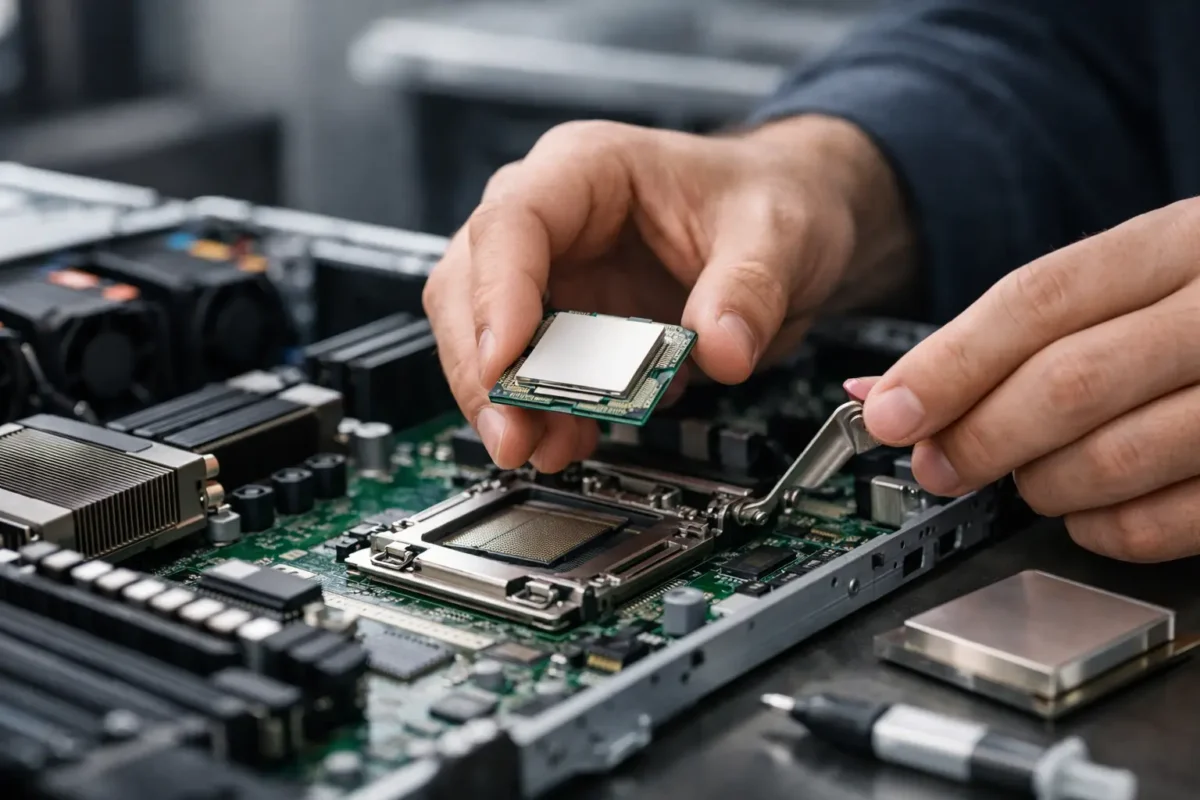
A failed CPU upgrade usually does not fail because of the processor alone. It fails because the server generation, socket, thermal kit, firmware level, and HPE option part do not line up. If you are sourcing an hpe processor kit replacement, that detail matters more than the clock speed printed on the label.
For IT buyers, MSPs, and server admins, the job is not just finding a compatible chip. It is getting the right HPE kit for the exact platform, avoiding BIOS or thermal issues, and keeping downtime short. In production environments, a low-cost processor that does not match the server bill of materials can become an expensive mistake fast.
What an HPE processor kit replacement actually includes
An HPE processor kit replacement is usually more than a standalone CPU. Depending on the server family, the kit may include the processor, heatsink, thermal interface material, and in some cases documentation or hardware specific to that configuration. That is why HPE option part numbers matter. They identify the tested package for a supported server platform, not just the raw silicon.
This is especially relevant when comparing new, pulled, or used enterprise parts. A bare processor may fit physically, but that does not guarantee support for the server tray, cooling profile, memory population rules, or firmware behavior. Procurement teams often focus first on core count and price. The better approach is to start with the server model and supported processor matrix, then match the exact replacement kit.
Start with server generation, not processor brand
HPE servers are tightly tied to generation-specific platforms. A ProLiant DL380 Gen10 and a DL380 Gen9 may look operationally similar in the rack, but they do not share the same CPU family, socket, or thermal design. Even within the same server line, sub-configurations can affect what is supported.
The first check is the exact server model and generation. After that, confirm whether the system is configured for one processor or two. In many HPE platforms, adding or replacing a second processor affects memory channel availability, heatsink requirements, fan behavior, and power supply planning. A dual-socket server running in single-CPU mode may still require a specific kit if you plan to populate CPU 2 later.
That is where buyers can lose time. They source a processor by Intel Xeon family or AMD EPYC tier, but skip the HPE option code. On paper, the CPU looks right. In practice, the system may flag unsupported hardware, require a higher firmware revision, or need a different heatsink assembly.
HPE processor kit replacement compatibility checks
Before you buy an hpe processor kit replacement, verify five points: server model, generation, processor family, socket type, and supported thermal configuration. Those five checks prevent most returns and most avoidable downtime.
Match the exact server model
Use the full server identifier, not just the product family. DL360, DL380, ML350, Apollo, Synergy, and BladeSystem platforms all have distinct compatibility rules. Generation is critical. So is any CTO or regional variation in the installed hardware.
Confirm the processor family and stepping
Intel Xeon Scalable, Xeon E5, Xeon E-series, and AMD EPYC parts are not interchangeable across HPE generations. Even within a supported family, not every SKU is approved on every server board revision. If you are replacing like-for-like, use the installed part number as your baseline. If you are upgrading, verify support before ordering.
Check single-processor versus dual-processor rules
A second CPU is not just an add-on. It can require additional fans, a matching processor in some configurations, and balanced memory placement. Some HPE servers expect identical processors in dual-CPU operation. Mixing similar but non-identical SKUs can create support or performance issues.
Review heatsink and cooling requirements
Higher TDP processors may need a performance heatsink rather than a standard one. This is a common miss in the secondary market. The processor is technically compatible, but the installed cooling hardware is not sufficient for the load profile.
Verify firmware and BIOS level
Server firmware often determines whether a newer supported CPU initializes correctly. If the box has been running unchanged for years, update planning should be part of the replacement job, not an afterthought.
Replacement versus upgrade – the buying decision
Not every hpe processor kit replacement should be a like-for-like swap. If a legacy processor fails, it is worth checking whether the price gap to a higher-bin supported CPU is small enough to justify the upgrade. In many enterprise refresh cycles, older HPE-compatible processors become available at aggressive pricing, especially in used or surplus channels.
That said, upgrade decisions depend on workload and server age. If the system is near retirement, the cheapest supported replacement may be the smartest buy. If the server still has two to three years of useful service left, a processor upgrade can extend value without the cost of a full platform change.
For virtualization hosts, database nodes, and application servers with sustained CPU pressure, more cores and higher cache can make sense. For light infrastructure roles such as domain services, print, monitoring, or edge management, a direct replacement is usually enough. Buy for the job, not the spec sheet headline.
New, refurbished, or pulled stock
For cost-conscious procurement, this is where margin gets real. New HPE processor kits can be the right choice for current-generation deployments, strict asset policies, or standardized enterprise purchasing. Refurbished or pulled kits can deliver substantial savings for maintenance, capacity extensions, and legacy server support.
The trade-off is straightforward. New stock offers the cleanest chain of custody and easiest standardization. Refurbished or tested pulled stock often delivers better value, especially for Gen8, Gen9, and Gen10 environments where organizations want to avoid overinvesting in older hardware. The key is buying from a seller that understands enterprise part validation, not a generic parts marketplace listing with incomplete compatibility data.
That is why detailed SKU matching, warranty terms, and return support matter. For buyers managing multiple installed HPE servers, access to both current and legacy replacement inventory is often more useful than paying a premium for factory-sealed stock every time.
Common mistakes that delay deployment
The most common mistake is buying by processor name only. “Xeon Gold” is not a part number strategy. Another frequent issue is ignoring the server’s current configuration, especially with dual-socket boards and memory tied to each CPU.
Cooling mismatches are also common. Admins replace the CPU but reuse an underspecified heatsink, then troubleshoot thermal alarms that were predictable from the start. Firmware is another one. A processor may be supported by the platform, but not by the platform’s current firmware level.
There is also the simple operational mistake of replacing a failed CPU without checking whether the original issue was actually the processor. System board faults, bent socket pins, power irregularities, or thermal events can all present as CPU-related failure symptoms. If the root cause is elsewhere, the replacement kit will not fix the outage.
How to buy with less risk
The fastest way to reduce purchasing risk is to collect the exact server model, serial context if available, installed processor part number, and intended use case before sourcing. If you are replacing an existing CPU, match the installed HPE option or spare number whenever possible. If you are upgrading, confirm supported alternatives against the server generation and thermal design.
For volume buyers and MSPs, standardizing on approved replacement paths saves time. Instead of revalidating every incident from scratch, build a shortlist of known-good HPE processor kits by platform. That shortens ticket resolution and reduces dead stock from incorrect orders.
Price still matters, of course. The best buy is not always the cheapest listed processor. It is the part that arrives correctly identified, tested, and ready to install with the right supporting hardware. For many IT teams, that lowers total cost more than chasing the lowest line-item price.
If you are buying from a broad enterprise hardware source such as Green Code UK, the real advantage is access to both branded server components and replacement inventory depth across active and older platforms. That helps when a failed part needs to be sourced fast and the exact kit matters more than a generic CPU description.
When an HPE processor kit replacement makes financial sense
A processor replacement makes sense when the server is stable, storage and memory are still fit for purpose, and the workload does not justify a full hardware refresh. It is a practical move for extending the life of branch servers, backup targets, test systems, and production machines that still meet business requirements.
It makes less sense when the platform is already constrained by memory ceilings, storage bandwidth, or power efficiency. In that case, replacing the CPU may keep the box alive, but it will not solve the bigger performance problem. The right answer depends on whether you are preserving uptime for an existing role or trying to force more life out of an aging server that should be scheduled for replacement.
The smart purchase is the one that fits the platform, the workload, and the budget at the same time. With HPE servers, precision beats guesswork every time, and the right processor kit is usually the difference between a clean install and another round of avoidable downtime.
