












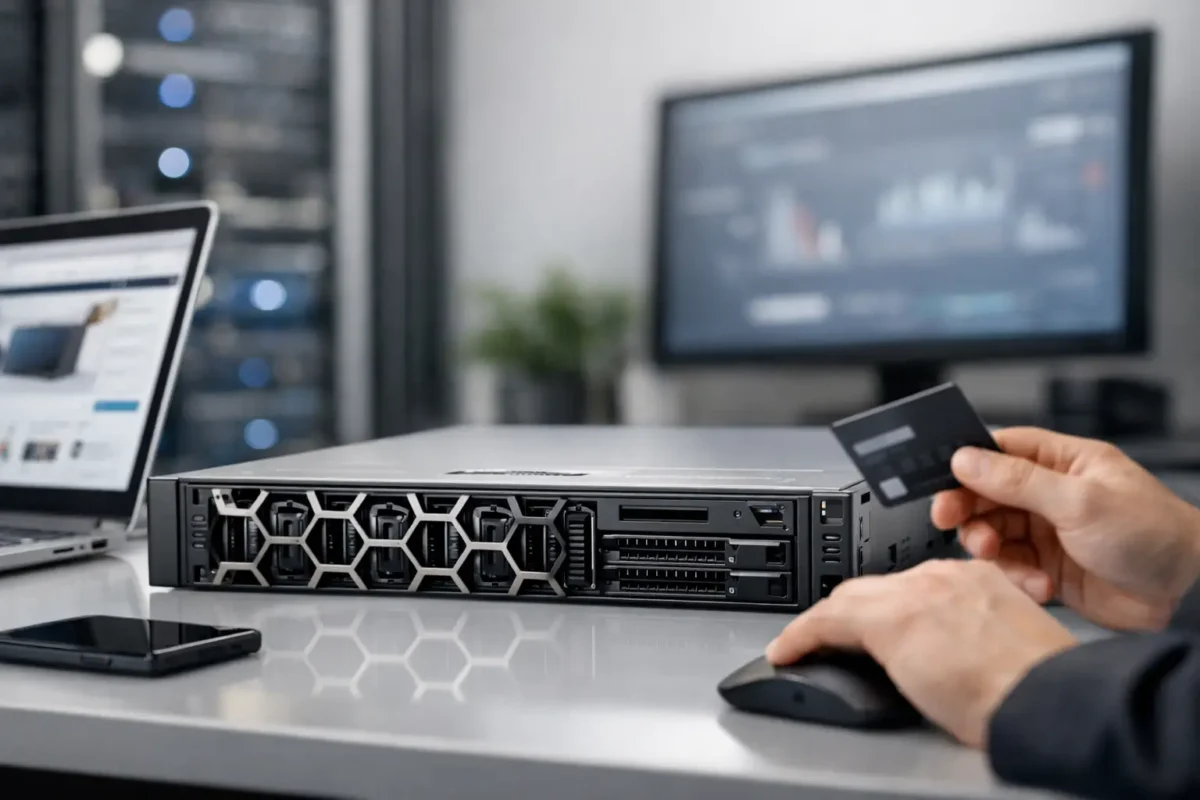
A Dell PowerEdge quote can look fine at first glance, then fall apart once you notice the wrong CPU family, no rails, or a storage backplane that does not match your drive plan. That is why teams looking to buy Dell PowerEdge server online need more than a low price. They need the right generation, the right configuration, and clear details on what is actually shipping.
PowerEdge systems remain a common choice for SMB infrastructure, branch deployments, virtualization hosts, backup targets, and application servers because the platform is familiar, widely supported, and available across both current and prior generations. For IT buyers, that matters. You can standardize on a known chassis, source replacement parts more easily, and avoid rebuilding your environment around a one-off hardware decision.
Why buyers still choose Dell PowerEdge
Dell PowerEdge has staying power for a simple reason – the lineup covers a wide range of workloads without forcing buyers into a single-size approach. If you need a compact 1U platform for dense rack deployment, a 2U server with more storage flexibility, or a tower system for a smaller office without a dedicated rack, there is usually a model that fits.
The other advantage is market depth. Buyers can find newer PowerEdge systems for current production use, but they can also source previous-generation hardware for labs, secondary sites, edge roles, or budget-driven refreshes. That makes online purchasing practical for organizations that care about cost per workload, not just latest-release branding.
There is also a healthy used and surplus market. For many buyers, a properly specified used Dell PowerEdge server makes more financial sense than a brand-new unit, especially when the workload is predictable and does not require the latest CPU architecture. File services, backup repositories, test environments, and many line-of-business applications do not always need premium-tier compute.
Buy Dell PowerEdge server online by workload first
The biggest buying mistake is shopping by discount alone. Start with the workload, then match the chassis and component set to what the server will actually do.
If you are deploying virtualization, memory capacity and CPU core count usually drive the decision. A PowerEdge R740 or R750 class system may make sense because these models are well suited for denser VM consolidation and broader storage and networking options. If your goal is basic domain services, light business applications, or a secondary backup node, a smaller configuration may be enough, and paying for excess compute is just wasted budget.
Storage-heavy use cases need a different lens. You should pay close attention to drive bay count, supported drive format, RAID controller, and whether the server includes the correct caddies and backplane. A chassis that looks inexpensive can become less attractive fast if it needs additional trays, a different controller, or drive compatibility changes before it can be deployed.
Remote office and SMB environments often care about noise, footprint, and power draw as much as raw performance. In those cases, a tower PowerEdge may be a better fit than a rack unit. It depends on the site and whether rack infrastructure already exists.
What to check before you place the order
When you buy Dell PowerEdge server online, model number alone is not enough. PowerEdge R640, R740, T440, and similar product names only tell part of the story. Real purchasing decisions happen at the configuration level.
Start with the processor family and installed CPU count. Some listings show the chassis platform but not whether the unit includes one processor or two. That affects performance, licensing strategy, and available memory channels. It also affects value. A cheap dual-socket server with only one CPU installed may still be a good buy, but only if that limitation is disclosed clearly.
Memory should be reviewed the same way. Look at total installed RAM, DIMM type, speed, and remaining expansion capacity. A server with 64GB may be fine for one role and inadequate for another. Buyers planning growth should also consider how many slots are already populated, because upgrading later may mean replacing smaller DIMMs instead of adding new ones.
Storage details need equal scrutiny. Confirm whether drives are included, how many, what interface they use, and whether the RAID controller supports your preferred layout. SAS, SATA, and NVMe planning should not be left to assumption. Neither should drive form factor. A 2.5-inch chassis and a 3.5-inch storage plan do not mix.
Networking matters too. Onboard NIC options vary, and many deployments need specific port counts or speeds. If the server will be used in a hypervisor cluster, backup network, or storage-connected environment, verify the installed NICs and open PCIe expansion path before checkout.
Finally, check power supplies, rails, bezel availability, and remote management licensing. These details are easy to ignore until deployment day. Then they become delays.
New vs used Dell PowerEdge online
For many US buyers, this is where the decision gets real. New hardware gives you the latest platform, longer lifecycle runway, and stronger alignment with long-term production support. It is usually the right fit for core business applications, fresh virtualization builds, and environments with strict refresh policies.
Used or refurbished PowerEdge hardware wins on upfront cost. That is especially attractive for backup infrastructure, disaster recovery, test environments, branch systems, and replacement needs where matching an existing installed base matters more than buying the newest generation. If you are replacing a failed unit in a standardized environment, older PowerEdge inventory can save time as well as money.
The trade-off is lifecycle position. Older generations may have lower acquisition cost but shorter forward support relevance, older CPUs, and tighter upgrade limits. That does not make them a bad purchase. It just means the savings need to match the role. For noncritical or well-defined workloads, used equipment often delivers excellent value.
A practical online retailer should make this distinction easy by showing condition, configuration, and warranty terms clearly. If those details are vague, the listing is weaker no matter how low the advertised price looks.
Pricing is not just the sticker price
Server buying is full of partial listings. One listing may look cheaper until you add memory, drives, rails, and a compatible RAID card. Another may cost more upfront but include a deployable spec with better warranty coverage and fewer add-ons needed.
That is why experienced buyers compare total landed value, not just base price. Ask what is included and what is missing. Does the server ship with caddies, power cords, and the CPU and memory count shown? Is the unit tested? Are serials and exact specs available on request? Can you source replacement parts from the same seller if you need to expand later?
For procurement teams and MSPs, consistency also matters. Buying from a source with broad inventory can simplify repeat purchases and reduce time spent hunting down compatible components across multiple vendors. That is often worth more than a small one-time price gap.
Where online listings often go wrong
The most common problem is vague specification language. Terms like “configured to order” or “similar unit” can be workable, but only when backed by clear component details. If the listing leaves room for guesswork on processor SKU, memory layout, storage controller, or chassis variant, you are carrying the risk.
Another issue is incomplete accessory disclosure. Rails, bezels, caddies, and redundant PSUs are not always included. For some buyers that is fine. For others, it changes the practical value of the deal immediately.
Warranty presentation is another checkpoint. A short seller warranty can still be acceptable on discounted enterprise hardware, but it should be stated plainly. Buyers need to know whether returns are straightforward and whether replacement support is available if a component arrives faulty.
Retailers that cater to infrastructure buyers usually perform better here because they understand the difference between a casual electronics listing and a deployment-ready server listing. That matters when your purchase is tied to an installation date.
A faster way to evaluate the right PowerEdge deal
If you want to move quickly, narrow your options using five filters: workload, form factor, CPU generation, memory target, and storage layout. Once those are fixed, most of the noise disappears.
For example, if you need a 2U virtualization host with room for growth, your shortlist becomes much tighter than if you simply search PowerEdge and sort by price. If you need a tower server for a branch office with moderate storage and low noise, you can eliminate most rack models immediately.
This is also where a catalog-driven retailer can save time. A broad inventory, clear model grouping, visible discounts, and warranty-backed used equipment let buyers compare current and previous-generation options side by side instead of chasing scattered listings. That is a big reason many procurement-focused customers use sellers like Green Code UK when they need recognizable enterprise hardware at a sharper price point.
Buying server hardware online does not need to be slow or risky, but it does need discipline. Match the Dell PowerEdge platform to the workload, verify the exact configuration, and treat missing details as a reason to pause. The best deal is the one that arrives ready for the job you actually need it to do.
