












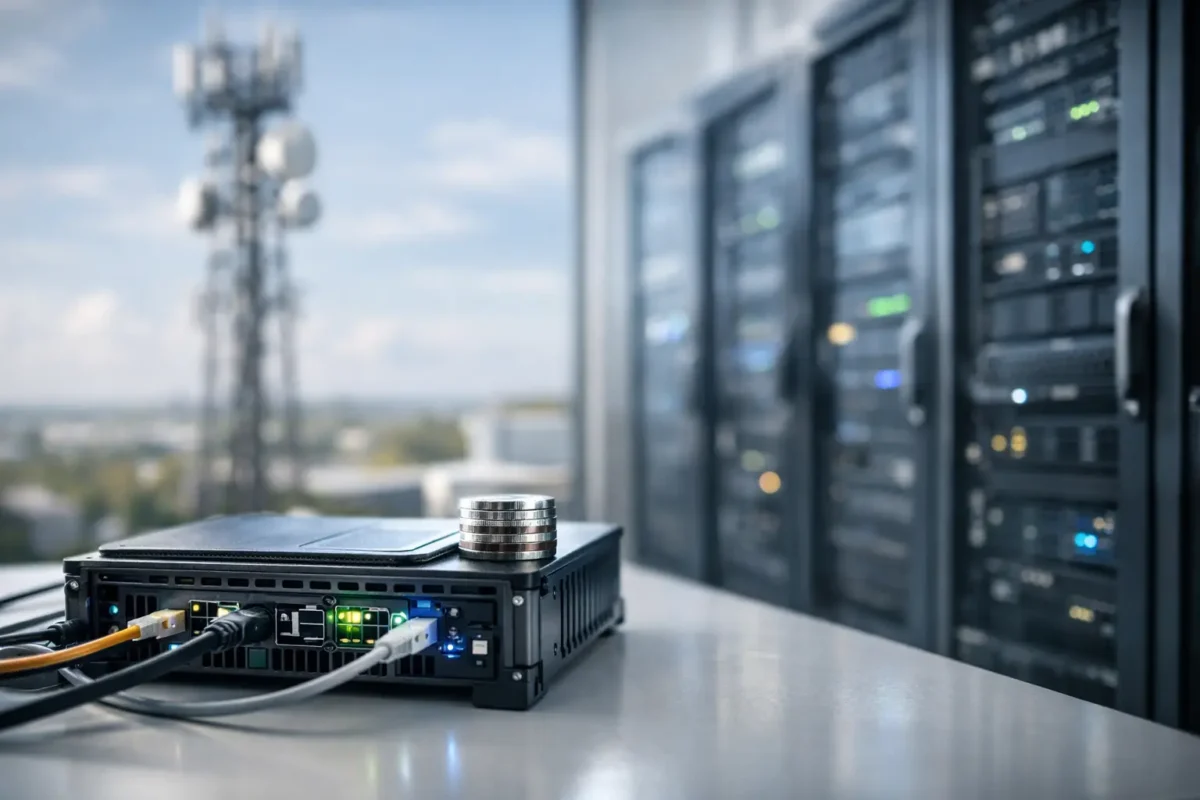
A production line stops for three seconds, a retail camera misses a suspicious event, or a remote branch loses its WAN connection. In each case, sending every decision to a distant cloud platform can be too slow, too expensive or too risky. Edge computing moves processing closer to the device, user or data source so critical workloads can keep working where they are needed.
For IT buyers, this is not a reason to replace every central server or cloud service. It is a design choice. The right edge deployment combines appropriate compute, switching, storage, security and remote management hardware to solve a clear operational problem.
What Edge Computing Actually Changes
Traditional centralised architecture sends data from endpoints to a core data centre or cloud environment for processing. That model remains efficient for long-term analytics, large databases, shared applications and workloads that need substantial compute capacity. The limitation appears when the application cannot tolerate the delay, connection dependency or cost of moving high volumes of raw data.
With edge computing, processing happens at or near the source. That might mean a compact server in a branch comms room, an industrial PC beside a production system, a security appliance at a warehouse, or a local analytics node supporting IP cameras. Only the results, alerts or selected data sets need to travel onwards.
The benefit is not simply lower latency. Local processing can reduce WAN traffic, keep essential services available during an outage, improve data control and make a distributed estate easier to operate when the design is disciplined. The trade-off is that every edge location becomes a small IT environment that must be secured, monitored and supported.
Where Edge Computing Delivers a Clear Return
The strongest use cases have a measurable requirement for rapid decisions or reduced data movement. Video surveillance is an obvious example. A multi-camera site can generate substantial traffic if all streams are sent to a central location. Local recording and analytics hardware can identify events on site, retain footage locally and send notifications or relevant clips to central teams.
Retail and hospitality sites also benefit where point-of-sale, inventory, digital signage and wireless services need to continue during a temporary WAN issue. A local server or appliance can support key applications while data synchronises with central systems once connectivity returns.
Manufacturing, logistics and field operations have even tighter requirements. Machine telemetry, barcode scanning, quality control cameras and automated equipment often need decisions in milliseconds rather than seconds. A local processing node avoids making the production process dependent on internet round trips.
Branch networks are another practical case. A regional office may need local identity services, file caching, VoIP survivability, firewall inspection or virtual desktop support. In these environments, edge infrastructure is usually less about experimental technology and more about making an existing site perform reliably.
It depends on the workload. If an application is not latency-sensitive, creates limited traffic and operates well over a dependable connection, central hosting may remain the lower-cost option. Edge equipment should solve a defined constraint, not become another layer of hardware without a business case.
The Hardware Behind a Useful Edge Site
An edge deployment is only as capable as its physical infrastructure. Buyers should start with the workload, then specify equipment around actual demand rather than buying a generic appliance because it is labelled for edge use.
Compute and virtualisation
For a small branch, a compact Dell, HPE or Lenovo server may run several virtual machines for local applications, directory services and monitoring. Processor core count, memory ceiling, RAID support and remote management matter more than an impressive headline clock speed. If the environment runs video analytics, AI inference or engineering workloads, GPU compatibility and PCIe expansion become part of the requirement.
Used enterprise servers can be a cost-effective fit for stable, predictable tasks, particularly where compatible memory, storage and replacement parts are readily available. However, older systems may draw more power, create more heat and lack the management or security features required for a long-term deployment. Compare the complete operating cost, not only the purchase price.
Switching, wireless and power
The network must carry local traffic reliably, especially when cameras, access points, phones and sensors share the same site. Managed Cisco, HPE, Juniper or Huawei switches provide the VLAN segmentation, uplink capacity and Power over Ethernet required for a professional installation. Check the PoE budget rather than counting PoE ports alone. A switch can have 24 powered ports but still be unable to supply the wattage demanded by high-power access points or PTZ cameras.
For sites with local recording or analytics, 10GbE uplinks may be justified between servers, storage and aggregation switches. At the access layer, port density, stackability, fan noise and available fibre module slots often decide which model fits the cabinet.
Security at every location
Distributed processing expands the security perimeter. A Fortinet, Cisco or other enterprise firewall at each site can apply segmentation, VPN connectivity, content controls and threat inspection close to the workload. Network segmentation is particularly valuable when operational technology, guest Wi-Fi, cameras and business devices share a location.
Do not assume a central firewall protects traffic that stays local. East-west traffic between devices, servers and cameras needs policy control too. Secure remote administration, multi-factor authentication, current firmware and a defined patch process should be part of the specification from the start.
Storage, resilience and physical limits
Local storage requirements grow quickly with video retention, database caching and offline application data. Calculate capacity using real retention targets, camera bit rates, redundancy requirements and expected growth. RAID improves availability but does not replace backups. Critical data still needs replication or a tested recovery process beyond the local site.
Remote sites also have practical constraints. A wall cabinet may have limited depth, poor cooling and no onsite technician. Choose rack depth, rail compatibility, power supply type, airflow direction and noise levels carefully. Add an appropriate UPS where short power interruptions could corrupt data or bring down essential network services.
How to Size an Edge Deployment Before You Buy
A good bill of materials begins with a site assessment, not a brand preference. Collect the figures that determine performance and supportability:
- number and type of endpoints, including cameras, access points, phones, sensors and user devices;
- expected local compute, storage and network throughput for normal and peak periods;
- acceptable downtime if the WAN, a server or a power feed fails;
- rack space, available power, cooling conditions and physical security at the site; and
- licensing, subscriptions, transceivers, rails, power leads and support requirements.
These details prevent common procurement errors. A firewall may have enough throughput on paper but lack the required security subscription. A server may have sufficient cores but no compatible drive caddies. A switch may support fibre uplinks but require separate SFP or SFP+ optics. Exact model numbers, revision compatibility and included accessories matter as much as the main chassis.
For multi-site roll-outs, standardisation is usually worth more than chasing the lowest price on every individual item. A repeatable switch, firewall and server configuration simplifies spares holdings, firmware management and technician training. It also makes it easier to keep a tested replacement unit available for high-priority locations.
Avoid the Most Expensive Edge Mistakes
The first mistake is treating edge infrastructure as disposable. A low-cost device placed in a branch without monitoring, warranty cover or a replacement plan can turn a minor failure into a costly site visit. Use equipment with known lifecycle status and make sure power supplies, storage media and optics can be replaced quickly.
The second is oversizing for hypothetical demand. More compute and storage may sound prudent, but excess capacity consumes budget, power and rack space. Build in sensible headroom, then retain an upgrade path through memory slots, drive bays or modular uplinks.
The third is underestimating operational overhead. Edge sites need central visibility. Monitor hardware health, link status, temperature, storage alerts, firmware versions and security events. If a system cannot be managed remotely, its lower initial price may disappear in travel, downtime and support costs.
Finally, do not fragment responsibility. Decide who owns the application, network, firewall policies, backups and physical access. Edge incidents cross these boundaries quickly, particularly at unmanned locations.
Build for the Workload, Not the Label
For Green code UK buyers, edge computing creates a practical opportunity to match proven enterprise hardware to specific site requirements. A discounted switch, refurbished server or replacement firewall can be excellent value when its ports, performance, licensing and lifecycle align with the deployment.
Start with the decision that must happen locally, quantify what it needs to process, and select infrastructure that can be secured and supported for the full term. The best edge site is rarely the largest one. It is the one that keeps the operation running when distance, bandwidth or connectivity would otherwise get in the way.
