












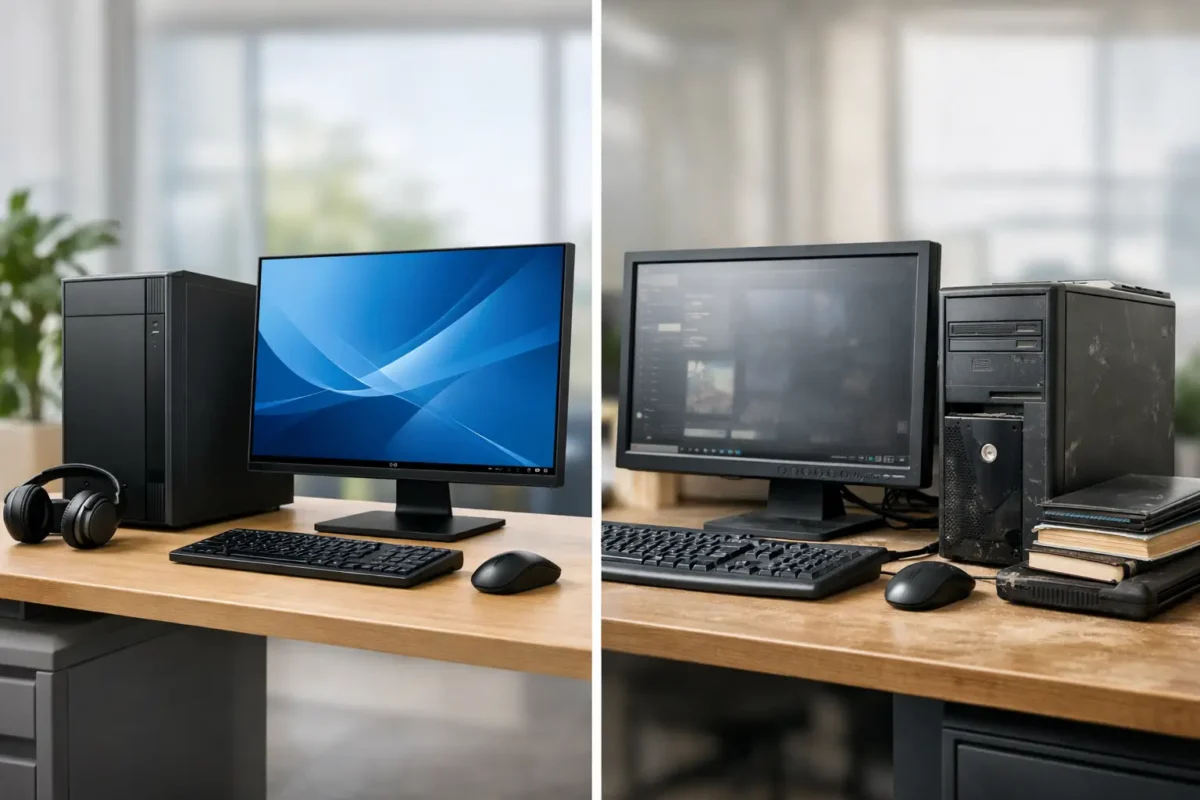
A workstation quote can look sensible until the line total lands. That is usually the moment buyers stop asking which model is fastest and start asking the better question – new versus used workstations, and which option actually makes commercial sense for the workload.
For IT teams, studios, engineering firms and SMB buyers, this is not a simple case of old versus current. It is a procurement decision tied to software demands, GPU compatibility, warranty tolerance, deployment scale and replacement cycles. Buy too far up the stack and capital gets tied up in hardware that will idle. Buy too far down and performance bottlenecks show up in rendering queues, CAD viewports, virtual machines or data-heavy analysis.
New versus used workstations: what really changes
The biggest difference is not just age. It is the balance of acquisition cost, support coverage and expected service life. A new workstation gives you the latest platform, current-generation CPUs and GPUs, stronger OEM support options and a longer runway for firmware and driver updates. It is usually the easier choice when the workload is heavy, the software stack is current, and downtime is expensive.
A used workstation changes the economics. You are often buying into a higher original product tier at a much lower cost. That matters because enterprise and professional workstations from Dell, HP and Lenovo are built differently from consumer desktops. They are designed for sustained loads, ECC memory support in some configurations, pro graphics options, better thermal control and easier service access. Even when they are a generation or two behind, they can still offer excellent value for design, engineering, editing and office-based technical work.
The right answer depends on whether your priority is lowest purchase price, longest supported lifecycle or best performance per pound.
When a new workstation makes more sense
If you are standardising a fresh deployment, new hardware is usually the cleaner option. Procurement teams get consistency across CPU generation, BIOS revision, SSD spec, graphics card and warranty terms. That means fewer surprises during imaging, easier fleet management and a clearer path for future support.
New systems also matter when application demands have moved on. If your users run current releases of Autodesk products, SolidWorks, Adobe Creative Cloud, simulation packages or local AI workloads, newer CPUs with higher core efficiency and modern GPUs can deliver a visible productivity gain. That gain is not theoretical. Faster exports, shorter render times and smoother real-time model interaction reduce waiting time across the team.
There is also the issue of platform longevity. A new workstation bought today will generally remain viable for longer, especially if you need DDR5-era platforms, current PCIe bandwidth, more efficient power draw or support for the latest Windows and vendor certification paths. If your business refresh cycle is four to five years, new often aligns better with that schedule.
Then there is warranty coverage. For many buyers, this is the deciding factor. If a machine failure stops billable work, the premium for a new unit with manufacturer-backed support is easier to justify. It is not just about repair cost. It is about avoiding disruption.
When used workstations offer the better deal
Used workstations become very attractive when the workload is clear and the software does not require the latest platform. A well-specified used unit with a Xeon or Core i7/i9-class processor, professional NVIDIA graphics, ample RAM and SSD storage can still handle CAD, 3D modelling, video editing, development environments and multitasking far better than many budget new desktops.
This is where value-minded buyers gain ground. Instead of stretching budget across entry-level new machines, you can often buy higher-spec used enterprise hardware with stronger build quality and better components. That can mean more memory capacity, more drive bays, higher-end GPUs or simply a chassis designed for sustained daily use.
Used also works well for secondary roles. Think spare design stations, workshop PCs, training rooms, test benches, field offices or temporary project teams. In these cases, spending top-tier budget on fresh inventory may not improve the outcome.
For SMEs and MSPs, used workstations can also help close procurement gaps quickly. If a department needs an exact replacement or a compatible system for an existing workflow, sourcing a business-class used model may be faster and cheaper than rebuilding standards around a current equivalent.
Performance is not just about age
Buyers often assume new automatically means faster in every meaningful way. That is not always true. A current entry-level workstation may lose on raw graphics or memory headroom to an older, higher-tier used model. The real comparison is not model year versus model year. It is specification versus workload.
For example, a used workstation with 64GB RAM, a professional GPU and a strong multi-core CPU may outperform a cheaper new system with integrated graphics and limited upgradeability in CAD, rendering or virtualisation. On the other hand, newer architecture can bring gains in single-threaded speed, power efficiency, NVMe storage throughput and support for newer GPU instruction sets.
That is why buyers should start with the applications. Check CPU recommendations, certified graphics requirements, RAM usage, storage footprint and display outputs. If the software stack is modest, a used unit may be the obvious buy. If the workload depends on current GPU features or newer CPU platforms, new hardware earns its price.
Warranty, risk and the real cost of ownership
Price tags are only part of the calculation. The better measure is total cost over the expected life of the machine.
A new workstation usually costs more upfront but offers predictability. You have manufacturer warranty coverage, known component history and a lower chance of immediate failure. For high-availability roles or revenue-critical users, that lower risk is worth real money.
A used workstation lowers initial spend, but buyers should account for support terms, return windows, battery condition in mobile models, SSD wear, fan noise and whether key components have been tested or replaced. A reputable seller reduces that risk significantly, especially if the unit is professionally checked and sold with warranty cover rather than as-is surplus stock.
There is also a practical middle ground. A quality used workstation with warranty can still deliver strong savings without exposing the buyer to unmanaged risk. For many organisations, that is the sweet spot.
New versus used workstations for different buyer types
For a design agency running Adobe apps, 3D previews and heavy multitasking, the answer depends on project volume and turnaround pressure. If deadlines are tight and creative staff sit waiting on exports, newer hardware can pay back quickly. If the work is steady but not extreme, used business-class workstations may free budget for better displays, storage or backup.
For engineering and CAD teams, certification and GPU class matter more than marketing labels. A used workstation with the right professional graphics card can still be the stronger commercial buy than a lower-tier new tower. But if your software vendor has moved certification to newer hardware generations, buying current may avoid support friction later.
For office-heavy technical users, developers and admin teams, used often wins. These users need reliability, fast SSDs, enough RAM and multiple display support, not necessarily the latest silicon. Buying sensible ex-enterprise stock can lower cost per seat substantially.
For enterprise procurement, consistency may outweigh raw savings. Standard images, support contracts and lifecycle planning often favour new hardware. Yet even here, used systems can play a role for non-standard roles, replacements and overflow demand.
What to check before you buy either
Specification discipline matters more than whether the unit is new or used. Check the exact CPU, RAM size and speed, storage type, GPU model, expansion options and ports. Confirm whether Wi-Fi is required, whether the system supports additional drives, and whether the PSU can handle future graphics upgrades.
For used workstations, ask about grading, component testing, warranty length and cosmetic condition. Confirm whether the system includes the original graphics card or a substituted part. Check operating system licensing and whether firmware has been updated. If noise, thermals or dust exposure could matter in your environment, ask directly.
For new systems, look beyond the launch-year badge. Some entry-spec models are priced attractively but configured too lightly for serious workstation use. A cheap new machine with minimal RAM and weak graphics can become a false economy very quickly.
The smart buying position
There is no universal winner in new versus used workstations. There is only the right fit for the budget, the application stack and the cost of downtime.
If you need maximum lifespan, current support and the latest performance features, buy new and treat it as a long-cycle asset. If you need serious compute at a sharper price point, or you are equipping users whose workloads are proven and stable, used enterprise workstations can be one of the best-value buys in IT hardware.
That is why many procurement teams now mix both. New for primary production roles, used for secondary seats, replacements and budget-controlled deployments. It is a practical strategy, not a compromise.
The best workstation purchase is not the newest box on the shelf. It is the one that matches the workload, lands at the right price, and keeps users productive without draining the hardware budget.
