












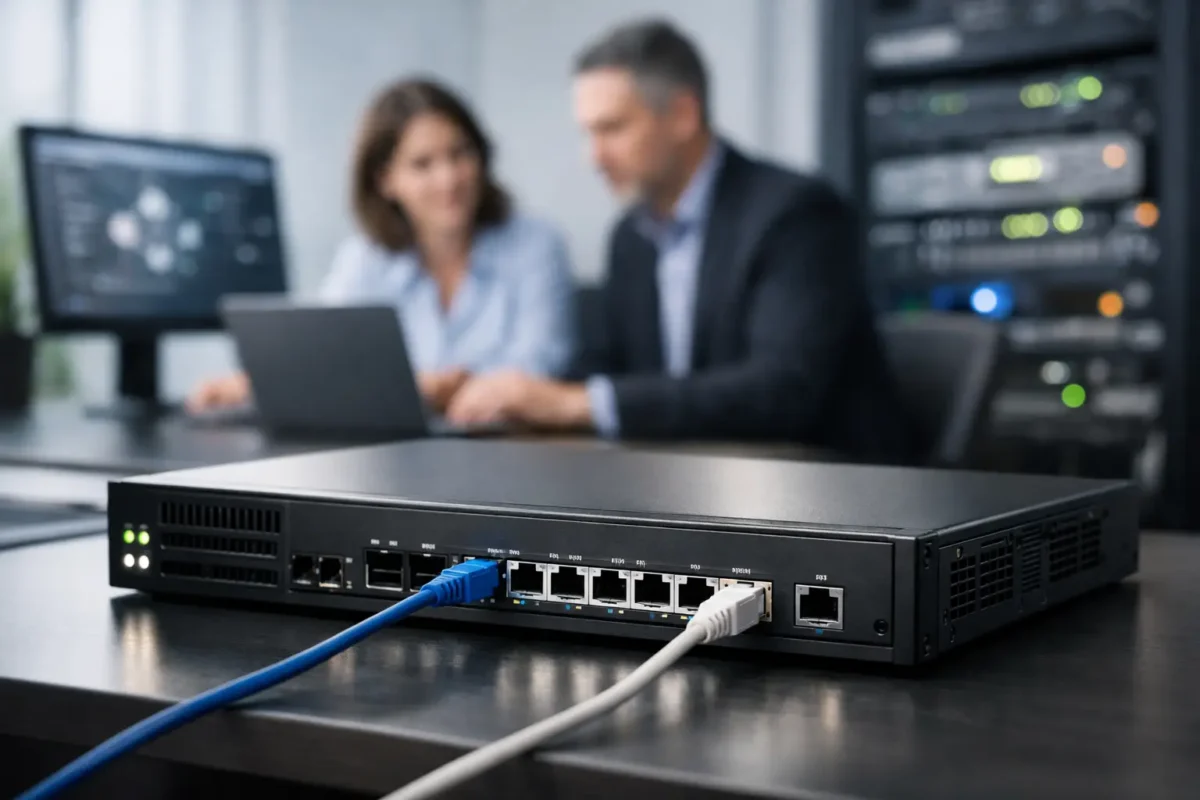
A small business usually notices its firewall problem after something breaks – VPN users start complaining, cloud apps slow down, remote branches drop calls, or a ransomware alert lands in the inbox. That is why the phrase enterprise firewall for small business matters more than it sounds. You are not buying a box just to block ports. You are buying throughput, inspection capacity, policy control, VPN stability, and enough headroom to avoid replacing the appliance again in twelve months.
For most SMB buyers, the real challenge is not deciding whether to deploy a business-grade firewall. It is deciding how much firewall they actually need, which licensing model will not create a budget surprise, and whether a used or current-generation appliance makes better financial sense. If you are comparing Cisco, Fortinet, Juniper, or other established OEMs, the differences are rarely cosmetic. They affect security services, hardware acceleration, support options, and long-term operating cost.
What an enterprise firewall for small business should actually do
A basic firewall can filter traffic. An enterprise firewall for small business should do more than that without crushing performance. It should support stateful inspection, intrusion prevention, application awareness, site-to-site VPN, remote access VPN, VLAN segmentation, and policy management that does not turn every change window into a cleanup job.
That does not mean every small office needs every security subscription turned on from day one. A 15-user office with a single internet circuit and a couple of VLANs has different requirements than a 75-user business running voice, guest Wi-Fi, cloud SaaS, branch connectivity, and PCI-sensitive traffic. The right fit depends on traffic profile, not just headcount.
Throughput numbers deserve skepticism. Vendors often publish multiple figures: firewall throughput, threat protection throughput, IPS throughput, and VPN throughput. Buyers who size off the biggest number usually underspec the appliance. Once SSL inspection, malware scanning, and application control are enabled, real performance drops. That is normal. The better buying move is to estimate your live WAN usage, add growth, then choose a model with enough inspected throughput to handle peak periods without becoming the bottleneck.
Why small businesses buy too little firewall
The common mistake is treating the firewall like a commodity edge device. Procurement sees internet speed, finds the lowest-priced appliance that technically supports it, and checks the box. Then the business adds Microsoft 365, Zoom, VoIP, remote users, and cloud backups, and the same unit starts struggling under encrypted traffic inspection and VPN demand.
Another mistake is ignoring port density and interface speed. A firewall with limited interfaces may be fine on paper but awkward in production once you separate servers, users, voice, management, and guest traffic. If you need SFP uplinks, multiple WAN options, or higher session capacity, that should be part of the buying decision upfront.
Licensing can also distort the comparison. One firewall may look cheaper at checkout but require recurring subscriptions for the features you actually need. Another may cost more initially yet provide a cleaner total cost over the next three years. If budget is tight, it often makes sense to prioritize the right hardware platform first, then align security services to actual risk and compliance needs.
How to size an enterprise firewall for small business use
Start with bandwidth, but do not stop there. If your internet connection is 1 Gbps and your users depend on SaaS and video, your selected appliance should comfortably process inspected traffic below that ceiling without running hot all day. If the unit is rated close to your line speed only under ideal lab conditions, it is probably too small.
Next, look at user count in context. Fifty users doing light web and email traffic are easier on the firewall than twenty-five users pushing large files over VPN with full inspection enabled. Add branch tunnels, remote access sessions, and east-west traffic controls, and session volume starts to matter as much as raw throughput.
Then look at your feature stack. Buyers comparing appliance sizes and deployment requirements may also find our Enterprise Firewall Solutions UK Buyers Need guide useful. SSL inspection, IPS, application control, malware filtering, web filtering, and SD-WAN functions all affect resource use. If you know those services will be enabled, size for that reality. Buying a lightly equipped appliance and planning to switch features on later is how many small businesses end up with an urgent replacement cycle.
High availability is another factor. Not every small business needs an active-passive pair, but if internet downtime means lost orders, interrupted support desks, or failed payment processing, redundancy belongs in the conversation. The second unit adds cost, but so does a single point of failure.
Brand considerations and product fit
Fortinet remains a popular choice because it tends to deliver strong feature density and good performance-per-dollar across many SMB deployments. FortiGate appliances are often shortlisted when buyers want UTM features, VPN capability, and a broad model range from branch size to more serious edge deployments. Businesses looking for a compact security appliance for branch offices and smaller deployments often evaluate the FortiGate 40F Firewall as a practical entry point into the Fortinet ecosystem.
Cisco appeals to buyers who already standardize on Cisco switching, routing, or security tooling. For growing organisations that require greater throughput and inspection capacity, the FortiGate 100F Firewall is frequently considered for larger branch offices and multi-site environments. Depending on the environment, that can simplify management and procurement. The trade-off is that licensing and platform selection need careful review, especially if the goal is predictable operating cost.
Juniper can be a strong fit where network teams already know the ecosystem or where specific routing and policy preferences matter. Other brands may also be viable, but the buying pattern is similar: match the appliance to your traffic, services, and support expectations rather than buying on logo alone.
For price-conscious procurement teams, used or surplus enterprise hardware can be a practical route, particularly for secondary sites, labs, test environments, or businesses that need recognized OEM equipment without current-generation pricing. The caution is simple: confirm hardware condition, support path, licensing status, and whether the platform still aligns with current security requirements. A bargain appliance with expired software options or limited support is only a bargain for a very short time.
New versus used firewall hardware
New hardware gives you the cleanest path for warranty, latest silicon, current feature support, and longer runway before refresh. If your business is growing fast or expects to keep the platform for several years, that matters.
Used enterprise firewalls can still make financial sense when the deployment is stable and the buyer understands the constraints. Many SMBs do not need the newest chassis if they are replacing failed equipment, extending an existing deployment standard, or adding a branch with familiar hardware. This is where a retailer with broad stock across current and legacy enterprise gear can save time and budget.
The key is not to confuse low price with low risk. Ask about warranty coverage, return policy, hardware revision, rails or power accessories if relevant, and the exact model variant. Technical buyers already know that a similar-looking SKU can differ materially in ports, performance, or licensing compatibility.
Features worth paying for and features that depend
Threat prevention services are usually worth serious consideration because modern small businesses are not small targets. Ransomware operators, botnet traffic, credential attacks, and phishing infrastructure do not screen by company size. If your firewall platform can inspect and control that traffic effectively, that is not a luxury feature.
SSL inspection is more nuanced. It improves visibility into encrypted traffic, but it also increases resource demand and can complicate certain application flows. For some environments, selective inspection is the better balance. You get more control where risk is highest without forcing full inspection across every category of traffic.
SD-WAN features can also be valuable, especially for businesses with multiple locations or hybrid connectivity. But if you have one site and one circuit, those extras may be less urgent than better VPN performance or stronger threat licensing. The right answer depends on your network shape, not on what appears highest in a spec sheet.
What buyers should check before adding to cart
Model number accuracy matters. So do interface counts, rack form factor, subscription status, power supply configuration, and support terms. If you are replacing an existing unit, confirm migration implications before purchase. Backup compatibility, policy conversion effort, and change-window risk can all outweigh a small price difference between models.
It also helps to think in refresh cycles rather than one-time purchases. An enterprise firewall for small business use should cover current needs plus realistic growth. If a slightly higher-spec unit prevents a forklift upgrade next year, it is usually the better buy.
For many IT teams and MSPs, the best procurement decision is not the cheapest firewall on the page. It is the appliance that fits the WAN profile, handles inspected traffic honestly, supports the required VPN and segmentation design, and comes from a brand your team can deploy without friction. If you can get that at a discounted price from a source with strong inventory depth and warranty backing, even better. Green Code UK serves exactly that kind of buyer – technical, budget-aware, and looking for enterprise hardware that solves the problem without wasting spend.
The firewall you choose sits in the middle of uptime, security, user experience, and future changes, so buy the one that still looks right after the next bandwidth upgrade, not just the one that looks cheap today.
FAQ
Q1: What is an enterprise firewall for a small business?
A: It is a business-grade firewall that provides advanced security features such as VPNs, intrusion prevention, traffic inspection and network segmentation.
Q2: How do I choose the right firewall size?
A: Consider internet bandwidth, user count, VPN usage, inspection requirements and expected business growth rather than relying on line speed alone.
Q3: Is a FortiGate firewall suitable for small businesses?
A: Yes. FortiGate appliances are widely used by SMEs because they combine strong security features with flexible deployment options.
Q4: Should I buy a new or used enterprise firewall?
A: New hardware offers longer lifecycle support, while used enterprise firewalls can provide excellent value for branch offices, labs and replacement projects.
Q5: Why is firewall licensing important?
A: Licensing enables services such as threat protection, web filtering, malware detection, application control and vendor support.
