












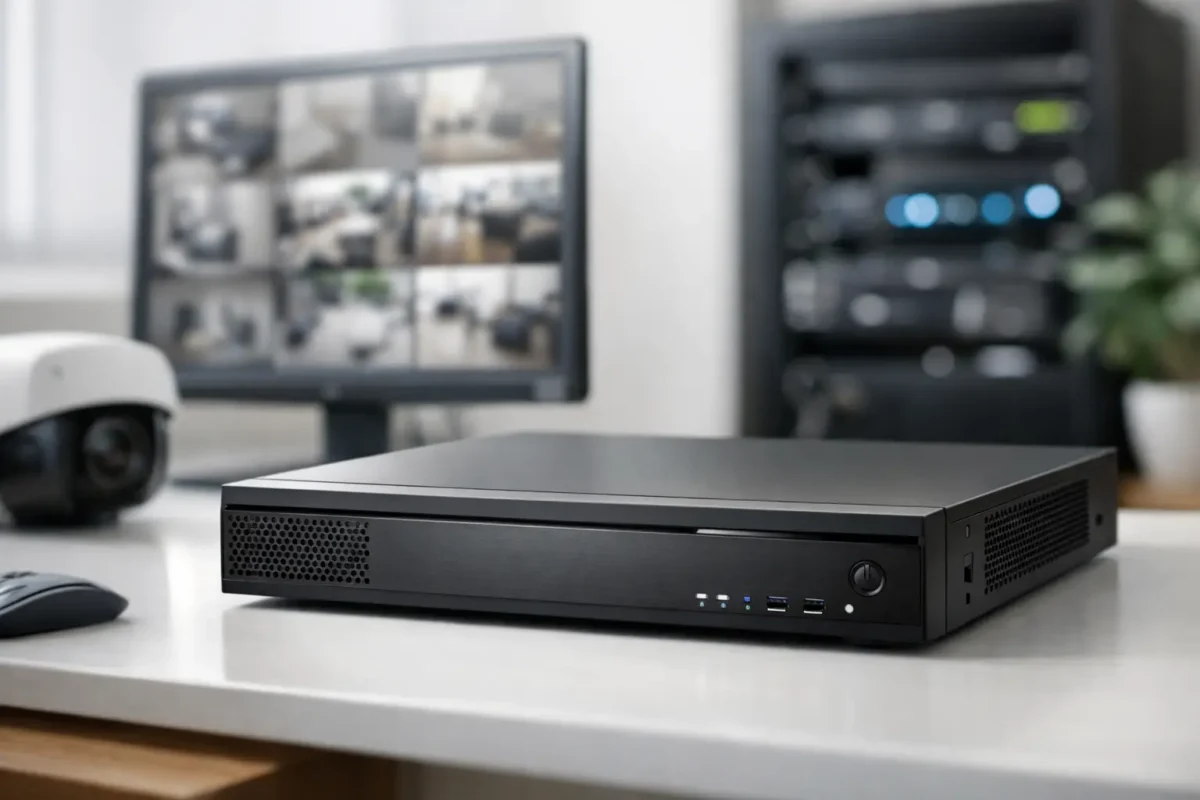
A dahua network video recorder can look straightforward on a spec sheet – 8 channels, 16 channels, H.265, 4K output, PoE, two SATA bays – but the wrong unit creates problems fast. Miss the bandwidth ceiling, undersize storage, or buy for today’s camera count instead of next quarter’s expansion, and a low upfront price turns into a replacement purchase. For IT buyers, installers, and SMB teams, the better move is to match recorder capacity to the actual surveillance workload.
What a Dahua network video recorder does well
A Dahua network video recorder, or NVR, is built to manage IP camera streams, record footage to local drives, and provide centralized playback, export, and live view. In practical deployments, that means one box handling camera registration, user permissions, recording schedules, event triggers, and retention policy instead of spreading those tasks across multiple endpoints.
The appeal is obvious for buyers who want a branded surveillance stack with predictable compatibility. Dahua’s NVR lineup usually covers the common buying tiers – smaller channel counts for retail stores or branch offices, mid-range units for multi-camera business sites, and higher-capacity models for larger facilities with stricter retention targets. If you are replacing an older recorder, staying within the same ecosystem can also reduce setup friction around device discovery, motion events, and camera-side features.
That said, model-to-model differences matter. Two recorders with the same channel count can have very different decoding capability, incoming bandwidth limits, drive support, AI features, and PoE availability. Channel count alone is never the full buying decision.
Start with channel count, but do not stop there
The first filter is usually simple – how many cameras need to be connected now, and how many are likely within the next 12 to 24 months. If you currently run six cameras, an 8-channel unit may look efficient. In many real business environments, though, that leaves almost no growth room. One extra loading dock camera, a second entrance, or a parking lot expansion can force a premature upgrade.
For many SMB deployments, the more practical choice is to buy one step above the current requirement. An 8-channel recorder suits stable, small footprints. A 16-channel model often makes more sense for growing offices, light industrial sites, hospitality, and retail with multiple views. Once you move into warehouses, schools, multi-tenant properties, or distributed camera coverage, 32-channel and higher systems become easier to justify.
This is where budget and lifecycle planning meet. Buying larger than necessary does increase upfront spend, but replacing an undersized NVR usually costs more once labor, migration time, and added downtime are factored in.
The bandwidth question buyers often miss
A recorder may support a certain number of cameras on paper, but it also has a maximum incoming bandwidth. That limit determines how much total video data the unit can ingest across all channels. If your cameras are higher resolution, higher frame rate, or set to more aggressive bitrates, bandwidth becomes the real ceiling.
For example, a 16-channel unit may technically accept 16 cameras, but not necessarily 16 high-bitrate 4MP or 8MP streams configured for continuous recording at full settings. This is why camera profile planning matters before purchase. Resolution, frames per second, compression method, scene complexity, and event recording policy all affect the load.
For procurement teams comparing Dahua models, bandwidth specs deserve the same attention as channel count. A lower-cost recorder may be fine for mixed low-to-mid resolution cameras. If the deployment leans heavily on 4K cameras or expanded analytics, stepping up to a model with more throughput is usually the safer choice.
Storage sizing is where the real cost sits
Many buyers focus on the recorder chassis and forget that surveillance economics are largely storage economics. The right Dahua network video recorder needs enough drive bays and drive capacity to meet your retention window without constant compromise.
If the requirement is seven days of motion-based recording on a small office, storage demands may stay manageable. If you need 30, 60, or 90 days of continuous footage across a larger camera estate, disk planning changes fast. Higher resolutions and frame rates multiply that demand. So does recording every camera continuously instead of using event-triggered schedules where appropriate.
Drive bay count matters because it sets your scaling ceiling. A compact NVR with one or two SATA bays may be cost-effective for lighter deployments. For longer retention or more cameras, more bays reduce the chance that you outgrow the platform too soon. There is also a reliability angle. Surveillance workloads are constant write-heavy workloads, so drive class and expected duty cycle should be treated seriously.
The cheapest route is not always the best value. A discounted NVR paired with inadequate storage often leads to short retention, overwritten evidence, or another hardware purchase earlier than planned.
PoE or non-PoE depends on the site design
One of the most useful differentiators in a Dahua NVR range is whether the unit includes integrated PoE ports. For smaller and simpler deployments, a PoE NVR can reduce install time and hardware sprawl. Cameras connect directly to the recorder, power is provided on the same cable, and setup is generally cleaner for a small office, shop, or standalone branch.
In larger or more structured networks, a non-PoE recorder connected through dedicated PoE switches may be the better choice. That approach gives network teams more flexibility for switch placement, VLAN design, uplink planning, and distributed camera locations. It also aligns better with environments already standardized on managed switching.
Neither option is automatically better. PoE NVRs are efficient for quick rollout and lower hardware count. Non-PoE designs usually fit better when surveillance is treated as part of a wider network architecture rather than a self-contained subsystem.
AI features and smart detection are useful, but not all buyers need them
Many newer Dahua models include smart video functions such as perimeter detection, face-related search tools, human and vehicle classification, or reduced false alarms compared with basic motion detection. These features can improve incident review time and make alerting more useful, especially in noisy scenes where generic motion events create too many useless notifications.
Still, this is one of the easier areas to overspend. If the site mainly needs straightforward recording, live view, and playback for loss prevention or general monitoring, advanced analytics may not produce a meaningful return. On the other hand, if the deployment depends on searchable events, after-hours intrusion alerts, or quicker investigation workflows, the extra feature set can justify the premium.
Buyers should ask a simple question: do we need smarter footage, or do we just need footage? That answer narrows the model range quickly.
Playback, decoding, and remote access matter in day-to-day use
A recorder is not just a storage appliance. It is also the system your team uses when something goes wrong. That makes playback performance, simultaneous channel review, export speed, and remote client support more important than many first-time buyers expect.
A unit that records well but struggles with multi-channel playback can become frustrating in real incidents. The same applies if remote access is slow, user permissions are limited, or the interface is awkward for non-specialist staff. For a single location with occasional review, basic usability may be enough. For MSPs, multi-site operators, and businesses with frequent incident checks, a stronger management experience saves time every week.
This is one of those areas where spec sheet reading only gets you part of the way. Decoding support and interface generation can make a noticeable difference in actual operation.
How to buy the right Dahua network video recorder
The fastest way to narrow the field is to work backward from the deployment. Count current cameras, then add realistic growth. Confirm camera resolution and expected frame rate. Decide whether recording is continuous, event-based, or mixed. Set the retention target in days, not vague estimates. Then check whether the site should use integrated PoE or existing switching.
After that, compare models by incoming bandwidth, drive bay count, maximum storage support, playback capability, and any smart features that matter to the use case. If you are buying for a replacement project, compatibility with existing Dahua cameras and management habits may justify keeping the same brand family. If you are building new, there is more freedom to optimize around budget and future expansion.
For deal-focused buyers, this is also where discounted inventory can make sense. Previous-generation or surplus units may offer strong value if their bandwidth, storage support, and firmware position still meet the project requirements. A lower price is only a good deal when the hardware still fits the deployment.
Price pressure is real, but replacement cost is real too
Security buyers are under the same pressure as every other infrastructure buyer – control costs without creating new problems. That is why recorder selection should be treated like any other IT hardware decision. Model number, capacity, compatibility, and lifecycle matter more than marketing language.
A smart purchase is not always the highest-end chassis and it is not always the cheapest available unit. It is the recorder that covers your camera load, retains footage long enough, fits the network design, and leaves room for change. Retailers with broad inventory, including current and value-priced hardware, can make that easier because buyers can compare multiple Dahua options without forcing a one-size-fits-all choice.
If you are sourcing surveillance hardware for a new rollout or replacing an aging box that is already near capacity, slow down long enough to size the recorder properly. The right unit will not just record video – it will keep your next upgrade from arriving too soon.
