












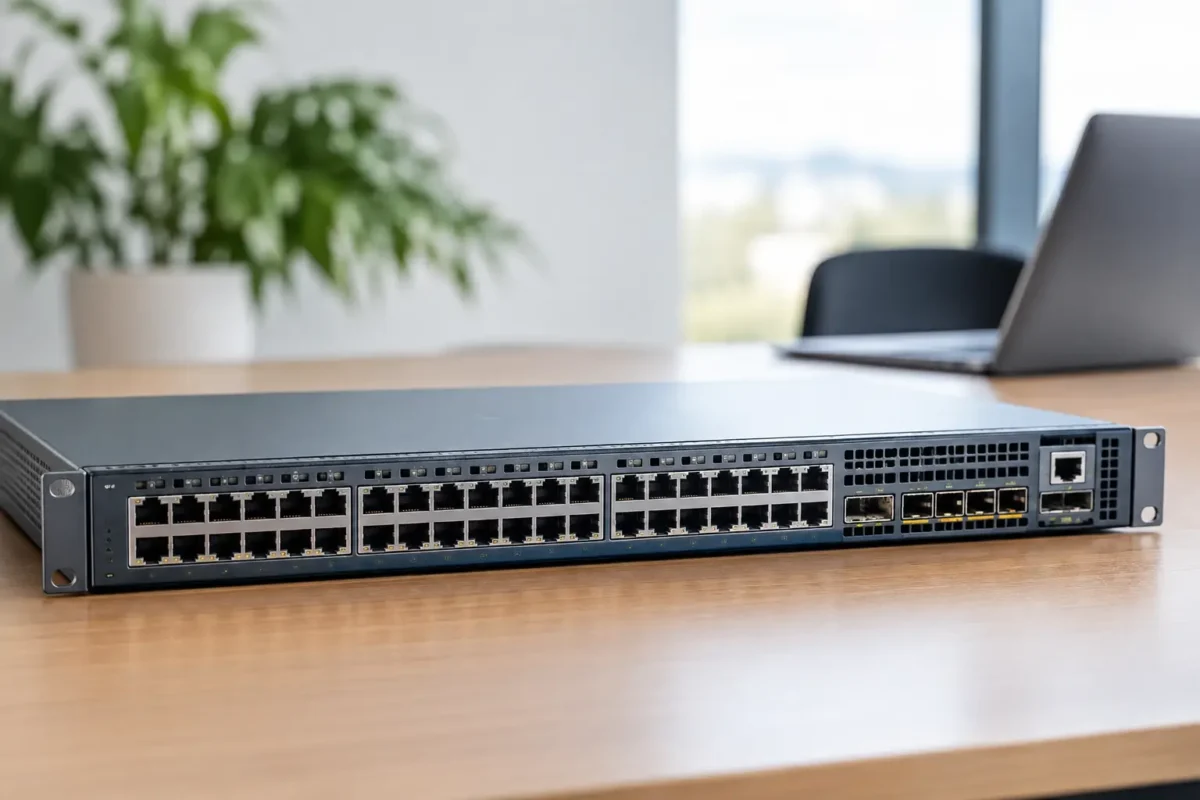
A switch refresh is rarely held back by the number of ports alone. The real question is whether the platform can support Wi-Fi 6E access points, higher PoE demand, uplink growth and simpler operations without forcing another replacement in two years. This Juniper EX4400 review looks at where the EX4400 range earns its place in a modern wired access layer, and where buyers should be more selective.
The EX4400 is aimed at organisations that need enterprise switching without moving straight to a chassis platform. It sits comfortably in branch, campus, education, retail and office deployments where fixed-form-factor switches, predictable performance and centralised management matter. For MSPs and IT teams standardising estates, it also offers a broad enough model range to cover standard edge ports, multigigabit access, fibre aggregation and high-density PoE.
What the Juniper EX4400 brings to the access layer
Juniper positions the EX4400 as a cloud-ready access switch family running Junos OS, with support for Juniper Mist wired assurance and Virtual Chassis stacking. That combination is the main attraction. Hardware specifications are competitive, but the operational model is what separates it from a basic managed switch.
The range includes 24-port and 48-port copper models, PoE and PoE++ variants, multigigabit models for high-speed wireless deployments, and fibre-focused options for environments with substantial SFP+ connectivity. Rather than buying a single switch type for every site, procurement teams can match the chassis to the actual endpoint mix while keeping a consistent platform and software base.
For a typical office floor, a 48-port PoE model may support handsets, cameras, access points and user devices. For a wireless-heavy site, an EX4400 multigigabit PoE++ model is the more sensible specification because it can supply both the bandwidth and power required by newer access points. Fibre-rich server rooms, distribution points and specialist environments may be better served by the EX4400-24X or another SFP+-centric configuration.
That flexibility is useful, but it creates a purchasing trap: the EX4400 name alone does not define the port speed, power capability or uplink requirement. Buyers should work from the full part number, not the family name.
Juniper EX4400 review: performance and port planning
The EX4400 is built for high-performance access switching, with 10GbE and 25GbE uplink options across relevant models and high-speed stacking capability for resilient access-layer designs. In practical terms, that means it is well suited to sites where 1GbE edge switching is still common but uplinks need headroom for dense Wi-Fi, video traffic, cloud applications and local server access.
The multigigabit versions deserve special attention. A 1GbE switch can become the bottleneck when connected to modern access points with 2.5GbE or 5GbE interfaces. Deploying a high-specification Wi-Fi 6E access point onto a standard gigabit port will work, but it can limit the value of the wireless upgrade. EX4400 MP models are designed for that scenario, offering multigigabit copper connectivity alongside substantial PoE capability.
The trade-off is cost. A multigigabit PoE++ switch is not automatically the right answer for every wiring closet. If most endpoints are desktops, printers, VoIP handsets and standard cameras, conventional 1GbE PoE access ports remain more cost-efficient. Reserve multigigabit ports for access point clusters, creative workstations, high-resolution surveillance and other endpoints that can genuinely use them.
Uplink design also needs more thought than simply selecting the highest available speed. A branch with two access switches and modest user density may be adequately served by 10GbE uplinks. A busy office with multiple multigigabit access points and heavy east-west traffic may justify 25GbE. The correct choice depends on oversubscription, application usage, redundancy requirements and the capability of the upstream distribution layer.
Power over Ethernet is a buying decision, not a tick box
PoE is one of the strongest reasons to specify an EX4400, particularly in converged access environments. However, buyers need to distinguish between PoE+, PoE++ and the total available power budget. The highest per-port power standard does not guarantee that every port can deliver that level of power simultaneously.
Start with an endpoint schedule. Add the maximum power draw for access points, cameras, phones, door controllers and any specialist devices, then leave capacity for growth and peak conditions. Wireless access points are often the largest variable, especially when advanced radio features, USB peripherals or high-power operation are involved.
A useful procurement check is to confirm four points before ordering:
- the required PoE standard for every powered endpoint;
- the switch PSU configuration and total PoE budget;
- the number of ports likely to need high-power delivery at the same time; and
- whether stacking, redundancy or future AP expansion changes the calculation.
This is particularly relevant when comparing discounted surplus equipment. A lower purchase price is only a real saving if the power supplies, fan modules and licences required for the deployment are included or available. Check the exact bill of materials rather than assuming all EX4400 units ship with identical power capacity.
Operations: the case for Junos and Mist
For network administrators already familiar with Juniper, Junos OS is a significant advantage. The configuration model is mature, consistent across much of the Juniper portfolio and suited to teams that favour structured CLI workflows, configuration management and policy-driven operations.
The EX4400 becomes more compelling when paired with Juniper Mist. Mist can provide centralised visibility, switch onboarding and AI-assisted operational insight across the wired environment. For organisations with multiple sites and limited on-site IT coverage, being able to identify a cable, port, VLAN or client issue without travelling to the location can save meaningful time.
There is a commercial consideration here. Cloud management and assurance features can involve subscription costs, so they should be included in the total cost of ownership rather than treated as an optional afterthought. A business that wants a straightforward locally managed switch may find the EX4400 fully capable, but may not obtain enough value from the cloud platform to justify every licence tier.
Conversely, an MSP managing many customer sites may see the software cost as worthwhile if it reduces fault-resolution time and standardises deployment. It depends on whether operational efficiency is a priority equal to port density and hardware price.
Virtual Chassis and resilience considerations
Virtual Chassis allows multiple compatible Juniper switches to operate as a single logical unit. This can simplify management, support distributed access switching and reduce the number of individual devices an administrator must configure and monitor.
For a wiring-closet deployment, stacking can also improve resilience when designed properly. Endpoints can be split across members, uplinks can be distributed, and a single switch failure does not necessarily take down an entire floor. The design still needs disciplined cabling and power planning. Stacking is not a substitute for diverse power feeds, redundant uplinks or sensible physical separation.
There is also an operational balance to consider. A large logical stack is easier to manage than many separate switches, but faults and upgrades can affect a wider portion of the network if change control is weak. Keep stack design proportionate to the site, document member roles and test software upgrade procedures before applying them to a production estate.
Where the EX4400 is a strong fit
The EX4400 is a strong option for organisations modernising a campus access layer, especially where wireless refresh projects are driving demand for multigigabit connectivity and higher PoE budgets. It is also well suited to schools, healthcare sites, offices and distributed retail or branch environments that need consistent switching hardware across locations.
It makes particular sense when the wider network already uses Juniper routing, switching, security or Mist management. Operational consistency has value. Fewer management platforms, familiar command structures and common support processes can reduce the hidden cost of a mixed-vendor estate.
For buyers replacing a small unmanaged switch or a basic smart switch, the EX4400 may be more platform than required. Its features are designed for managed enterprise networks with VLAN segmentation, access control, uplink resilience, monitoring and lifecycle planning. A smaller deployment should weigh those capabilities against its actual complexity and budget.
Procurement checks before you place an order
Before selecting a model, confirm copper versus fibre port requirements, endpoint speed, PoE class, power supply specification, uplink optics, stacking cables or modules where applicable, support entitlement and software licensing. Compatibility at the optic and transceiver level should be checked carefully, particularly when retaining existing infrastructure.
Also decide whether new, used or surplus stock is appropriate. Used enterprise hardware can be a practical route for expansion, lab environments, spare-holding and budget-led refreshes, provided the condition, included accessories, warranty terms and software position are clear. For a long-term core standardisation project, new equipment with full support coverage may be the safer commercial choice.
The right EX4400 configuration is the one that matches the next three to five years of endpoint and uplink demand, not simply the lowest-priced chassis available today. Specify the ports, power and management model first, then compare exact part numbers and available stock with confidence.
