












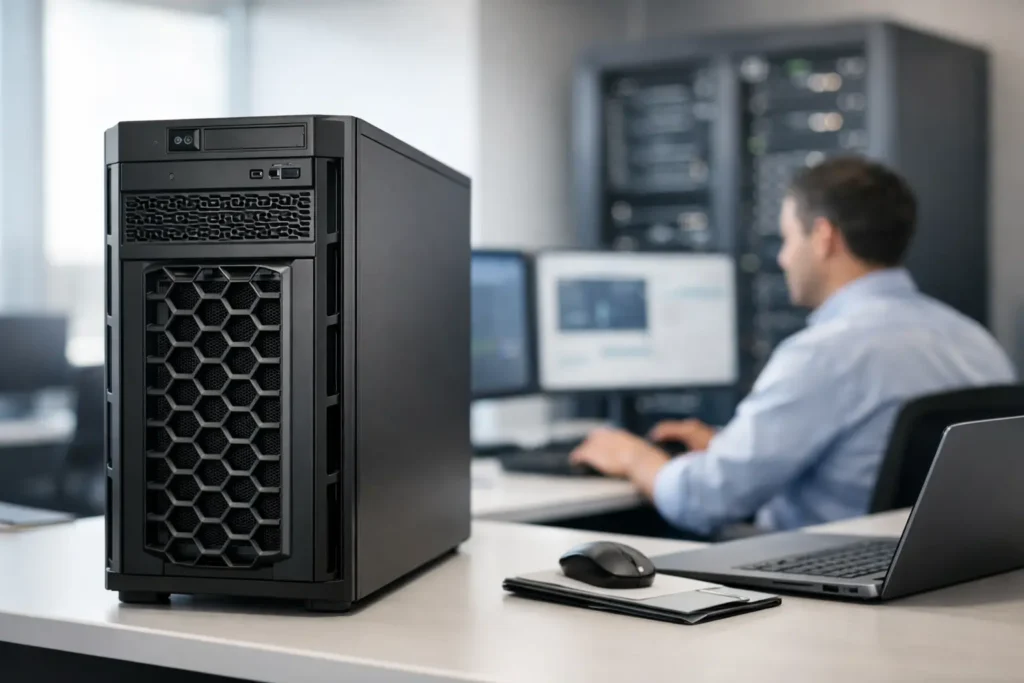
A rack server is not always the right answer. If you are fitting out a small office, retail back room, clinic, workshop or branch site, a tower chassis can save cabinet space, cut deployment friction and still deliver serious compute. This Dell PowerEdge tower review looks at where Dell’s tower range makes commercial sense, where it does not, and what buyers should check before putting a system on the PO.
Dell PowerEdge tower review: where towers still win
Dell’s PowerEdge tower line remains relevant because many businesses do not need a full rack environment on day one. They need a server that can run virtual machines, file services, line-of-business applications, backup jobs or light database workloads without the extra cost of racks, rails, PDUs and dedicated comms room fit-out.
That is the real appeal. A PowerEdge tower can sit in a cupboard, office corner or branch location and still provide enterprise-grade management, modern Xeon or equivalent processing options, ECC memory support, RAID, hot-plug storage on selected models and remote administration features depending on configuration. For SMBs and MSPs, that combination is practical rather than glamorous, which is exactly the point.
Dell also has one advantage buyers consistently care about – the range is broad. Entry-level and mid-range systems cover very different use cases, from a basic file and print deployment through to virtualisation hosts with significant RAM headroom and multiple drive bays. That flexibility matters when you are buying by workload, budget and available floor space.
What stands out in the PowerEdge tower range
The strongest feature of most Dell PowerEdge tower models is balance. Dell tends to package the essentials well: predictable platform lifecycle, familiar management tooling, broad CPU and memory options, and storage configurations that suit both performance-led and capacity-led builds.
For smaller organisations, that means easier standardisation. If you already support Dell endpoints or Dell infrastructure, the learning curve is low. For resellers and procurement teams, it means model-to-model comparisons are usually straightforward because the product stack is clearly segmented.
Expansion is another plus. Tower servers generally offer more internal growth than buyers expect, especially when compared with compact desktop-based server alternatives. Extra DIMM slots, multiple PCIe slots, and room for additional SSD or HDD capacity make these systems viable beyond initial deployment. That can extend refresh cycles and reduce the cost of future upgrades.
Acoustics are also worth mentioning. A tower server is not silent, but many PowerEdge tower systems are more tolerable in mixed-use environments than dense rack units. If the server is living near staff rather than in a dedicated data room, that difference has operational value.
Performance: good enough or genuinely capable?
That depends entirely on the model and the specification. A basic single-socket PowerEdge tower can comfortably handle Active Directory, file sharing, small business accounting platforms, print services and modest virtualisation. Move into stronger CPU options, more memory and SSD-backed storage, and these boxes become legitimate hosts for several VMs, backup repositories and line-of-business applications.
This is where some buyers get caught out. They focus on the chassis family and not the actual bill of materials. One Dell PowerEdge tower can be an economical office server with modest specs, while another in the same broader product family can be configured into a far more capable branch infrastructure platform. The badge alone does not tell you enough.
Storage design matters just as much as CPU choice. If the workload is IOPS-sensitive, a tower loaded with slower large-capacity spinning disks may become the bottleneck long before the processor or memory. For virtualisation, SQL-type loads or heavy shared file access, a proper SSD or mixed-tier storage plan is usually worth the spend.
Dell PowerEdge tower review: strengths and trade-offs
If you are buying for branch or SMB use, the strengths are clear. Dell towers are easy to place, easy to scale within reason and easier to justify financially than a full rack build for many smaller environments. They also make sense for edge deployments where a rugged enterprise platform is needed without a full server room.
The trade-offs are just as clear. Tower servers are less space-efficient at scale. If your environment is already growing into multiple hosts, shared storage, structured cooling and standardised rack power, a tower starts to look transitional rather than strategic. It may still do the job, but it is no longer the cleanest long-term fit.
Cooling and serviceability can also vary by model. While towers are accessible, they are not always as efficient to work on in bulk as rack fleets in a standard cabinet layout. For larger estates, that matters to internal IT teams and MSP field engineers.
There is also the issue of perception inside the business. A tower server can be mistakenly treated like a desktop by non-technical staff if it sits in an open office. That sounds minor, but local interference, accidental shutdowns and poor placement near dust or heat sources are real risks in branch deployments.
Who should buy one?
A Dell PowerEdge tower is a strong fit for small and mid-sized businesses with one site or a handful of locations, especially where there is no dedicated rack cabinet yet. It also suits MSPs standardising affordable on-prem hardware for clients who need local infrastructure but are not ready for larger capital spend.
It is also a sensible option for mixed environments. For example, a business may run core applications in cloud platforms but still need a local domain controller, backup target, CCTV management server or specialist application host on site. In those cases, a tower can cover the requirement without overbuilding the estate.
Procurement teams looking for discounted current-generation or quality used enterprise hardware should pay attention here. Tower servers often offer excellent value in the secondary market because they attract a narrower buyer pool than rackmount units. That can create stronger pricing, especially on previous-generation Dell PowerEdge stock with business-grade upgrade paths still available.
What to check before you buy
Do not buy on CPU alone. Check memory ceiling, drive bay count, RAID controller, power supply redundancy, iDRAC or equivalent remote management availability, network interface options and PCIe expansion headroom. These details determine whether the system will remain useful after year one.
You should also confirm the deployment environment. If the server will sit in a staff area, noise and physical footprint matter. If it will support virtualisation, memory density and storage layout matter more. If it is going into a branch with limited on-site IT support, remote management features move up the list quickly.
Warranty position is another buying factor. For production workloads, clear cover and return options are not add-ons. They are part of the risk calculation. This is especially true when comparing new systems against refurbished or used enterprise stock, where the savings can be substantial but support expectations need to be explicit.
Cost versus value
This is where Dell PowerEdge towers usually perform well. They are rarely the absolute cheapest way to get server hardware on site, but they often deliver a better total fit than low-end alternatives that cut too deeply on management, memory support or storage options.
For buyers managing budgets tightly, the sweet spot is often a well-specified used or previous-generation tower from a trusted enterprise hardware retailer. You can secure recognised Dell platform reliability, familiar parts compatibility and meaningful expandability at a lower entry cost than a brand-new build. For many branch, office and light virtualisation use cases, that is the commercially smarter move.
Green code UK serves exactly this type of buyer – organisations that want branded infrastructure, aggressive pricing and practical upgrade paths without wasting budget on hardware overspec.
Final view on Dell tower servers
A good tower server should solve a deployment problem, not create a future one. Dell’s PowerEdge tower range gets the basics right: credible performance, enterprise features, sensible expansion and broad workload coverage for SMB, branch and edge environments. The best results come when the spec is matched carefully to the workload rather than chosen by brand alone.
If you need a server that can be deployed quickly, upgraded sensibly and bought at a price that still leaves room in the budget for storage, licensing and backup, a PowerEdge tower remains a strong buying option. The smartest purchase is the one that fits your workload now and still has enough headroom when your users ask for more six months later.
