












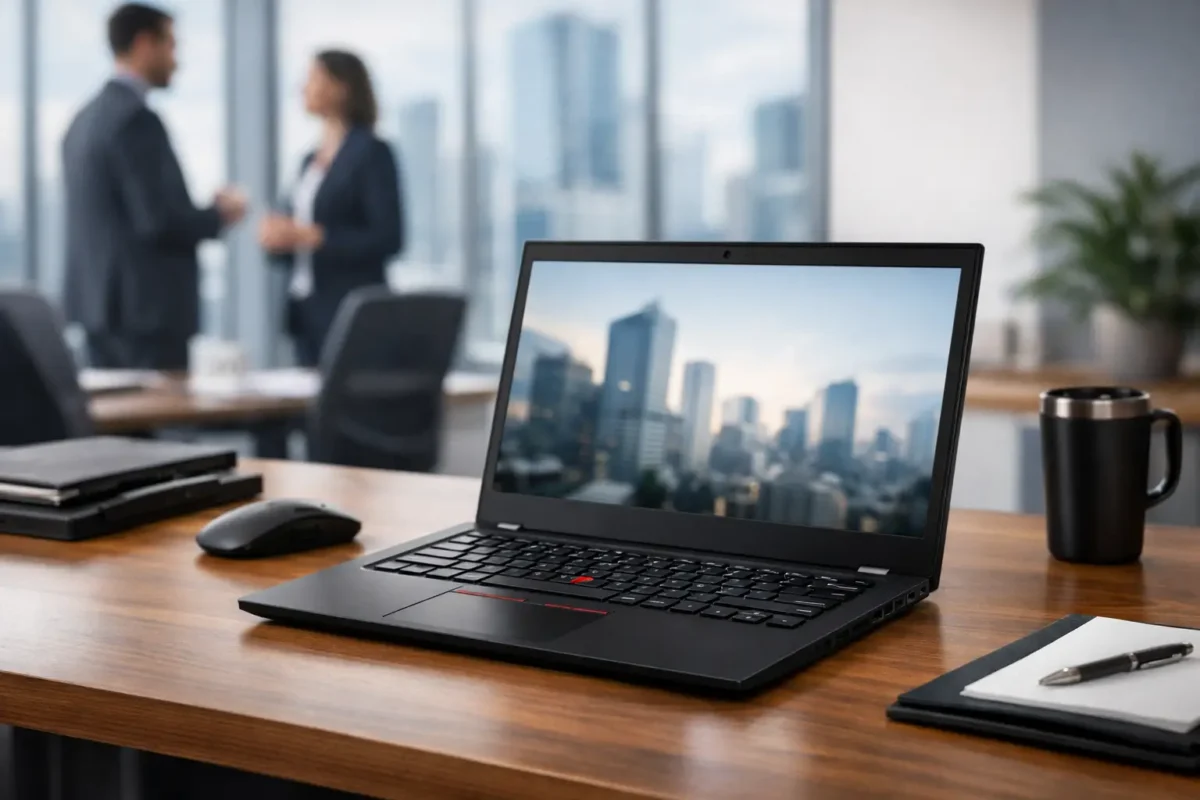
A laptop fleet rarely fails because the badge on the lid is wrong. It fails because the chosen specification has too little memory, the dock does not match the deployment, or a low-cost configuration becomes restrictive after 18 months. This Lenovo ThinkPad T14 review looks at the machine from a business purchasing perspective: day-to-day usability, configuration choices, serviceability and where it sits against newer or cheaper alternatives.
The ThinkPad T14 is a mainstream 14-inch business notebook, built for staff who need a dependable system for office applications, web-based platforms, spreadsheets, video calls and remote work. It is not positioned as a mobile workstation or an ultra-light executive device. That is precisely why it remains relevant: the range is broad, familiar to IT teams and often available in configurations that suit both single-device replacements and larger refresh projects.
Lenovo ThinkPad T14 review: the business case
The strongest reason to buy a ThinkPad T14 is consistency. Across its generations, the line has generally retained the practical qualities IT departments expect from ThinkPad hardware: a restrained chassis, strong keyboard, security options, enterprise docking support and a design intended for frequent business use rather than occasional home use.
It is a sensible fit for accountants, operations teams, field staff, developers working mainly in browser-based tools and managed service providers issuing standard laptops to clients. A 14-inch display provides enough room for productive work without making the system awkward to carry between home, office and customer site. The compact footprint also makes the T14 easy to deploy alongside USB-C or Thunderbolt docks, external displays and existing desk peripherals.
That said, “ThinkPad T14” is a family name, not a complete specification. Processors, screen panels, memory arrangements, storage capacity, wireless cards, graphics and ports vary by generation and exact machine type. A well-specified older T14 can be better value than a stripped-back newer unit. Conversely, the cheapest available model may create a support problem if it is supplied with limited RAM, a low-quality display or storage that does not meet the buyer’s standard build.
Build, keyboard and practical design
The T14’s design is intentionally conservative. It looks like work equipment because it is work equipment. The finish is usually dark, the branding is minimal and the chassis is made to tolerate the routine handling of business travel, hot desks and shared office environments.
Build quality is generally a clear step above consumer laptops at similar promotional prices. The case has less flex than many budget notebooks, the hinges feel purpose-built, and the keyboard remains one of the main reasons users stay with ThinkPad systems. Key travel, layout and the separate physical mouse buttons above the touchpad suit users who type for hours or rely on the TrackPoint. For helpdesk teams and heavy spreadsheet users, that familiarity can reduce resistance during a fleet change.
The compromise is appearance. Buyers seeking an ultra-slim aluminium laptop may find the T14 less eye-catching than premium consumer models. It is also not the lightest 14-inch business notebook available. For most office deployments, those are reasonable trade-offs for a laptop that prioritises repairability, ports and a less fragile working design.
Performance depends on the configuration
Processor choice is the first decision. T14 models have been sold with Intel Core and AMD Ryzen platforms across several generations. Both can be excellent, but the right choice depends on your software estate, docking requirement and purchase price.
AMD Ryzen versions have often delivered strong multi-core performance and attractive value for standard productivity workloads. They are particularly compelling when staff run multiple browser tabs, Teams calls, cloud applications and large spreadsheets at the same time. Intel versions can be the preferred route where an organisation standardises on Thunderbolt accessories, has specific management requirements or needs a particular generation of Intel platform features.
For a current business purchase, 16GB of RAM should be treated as the practical baseline. It gives Windows, collaboration software and modern browsers room to operate without the constant memory pressure that affects 8GB machines. For technical users, developers, analysts and people running virtual machines, 32GB is the safer option where the model supports it. Check whether the memory is fully soldered, partly soldered or upgradeable before buying. This is one of the most important differences between generations.
A 512GB NVMe SSD is the best starting point for most users. It provides enough capacity for Windows, business applications, local OneDrive or SharePoint files and normal user data. A 256GB drive can work for tightly managed, cloud-first deployments, but it leaves little room for growth. For engineers handling local images, virtual machines or large project folders, 1TB is more realistic.
Integrated graphics are sufficient for office work, web conferencing, multiple external screens and light creative tasks. Do not select a T14 expecting workstation-class CAD, 3D rendering or sustained video production performance. Those workloads belong on a ThinkPad P-series workstation or a system with dedicated graphics.
Display selection is not a minor detail
Screen specification changes the ownership experience more than many buyers expect. Basic Full HD panels are perfectly functional for standard documents and business applications, but lower-brightness options can look dull in bright offices or when working near a window. If staff spend long periods reading text, working in spreadsheets or travelling, prioritise a brighter IPS panel with good viewing angles.
Touchscreen, privacy-filter and higher-resolution options may suit specialised roles, but they can raise cost and reduce battery runtime. For a standard estate, a non-touch Full HD IPS display is usually the most cost-effective balance. Procurement teams should avoid treating all 14-inch T14s as equivalent simply because their processors match.
Ports, docking and connectivity
The ThinkPad T14 is built around practical connectivity. Exact port selection changes by generation, but models commonly include USB-C, USB-A, HDMI, audio and a charging-capable USB-C connection, with some Intel variants adding Thunderbolt support. This matters in organisations still using wired peripherals, presentation displays, USB security keys, scanners and legacy accessories.
Before ordering quantity, verify the exact model against the intended dock. USB-C docking can be straightforward, but display resolution, refresh rate, charging wattage and Ethernet performance depend on the laptop generation and dock specification. Do not assume a dock used with an older ThinkPad will deliver the same results with every T14 variant.
Wireless options should also be checked, especially for hybrid workers. Wi-Fi generation, Bluetooth version and optional mobile broadband capability differ across the range. For a field-based team, a WWAN-ready model may be worth more than a small processor upgrade. It provides a cleaner route to mobile data connectivity than relying on personal hotspots.
Battery life and thermals in real work
Battery performance is best described as workload-dependent. A T14 used for email, documents and moderate browsing can manage a working session comfortably when fitted with a healthy battery and efficient processor. Video calls, high display brightness, external USB devices and intensive workloads will reduce runtime quickly.
This is particularly relevant for refurbished or used stock. Battery health should be part of the condition assessment, alongside charger inclusion, cosmetic grade, keyboard layout and warranty cover. A business laptop can represent excellent value, but a low price is less compelling if the unit needs a battery replacement immediately after deployment.
Thermals are usually controlled well for office work, although fan noise can become noticeable during software updates, prolonged video calls or CPU-heavy activity. That is normal for a compact business laptop. Users who regularly compile code, run virtual machines or process large datasets should be matched to a higher-performance configuration rather than expecting silent operation from an entry-level unit.
Security, support and lifecycle checks
ThinkPad T14 models typically offer the security features expected in corporate hardware, including TPM support, firmware-level protection options, biometric choices on selected configurations and physical security provisions. The exact feature set must still be confirmed at model level. A fingerprint reader, smart card reader, IR camera and vPro capability are not guaranteed on every unit.
For IT buyers, the more useful question is whether the laptop fits the existing estate. Check operating system licensing, BIOS management requirements, docking compatibility, charger wattage, asset-tagging process and spare-part availability. Standardising on one or two configurations simplifies imaging, support and replacement planning.
This is where discounted surplus or refurbished units can make commercial sense. Green code UK buyers looking for a cost-controlled refresh should compare the full delivered specification, warranty and condition rather than selecting only on processor name. A tested T14 with 16GB RAM, 512GB SSD and the right dock compatibility can be a far better deployment choice than a newer consumer laptop with limited upgrade options.
Is the ThinkPad T14 still worth buying?
Yes, provided the specification matches the role. The T14 remains a strong business laptop for organisations that value keyboard quality, practical ports, recognised enterprise hardware and manageable fleet deployment. It is especially attractive when available at a meaningful discount against current-generation pricing.
It is less suitable for teams needing all-day battery endurance away from power, graphics-heavy professional work or the thinnest possible device. In those cases, compare it with lighter premium business notebooks, mobile workstations or purpose-built field hardware.
Before approving the order, define the user profile first, then buy the T14 configuration that supports it for the full replacement cycle. That simple check prevents a low upfront price becoming an expensive compromise.
