












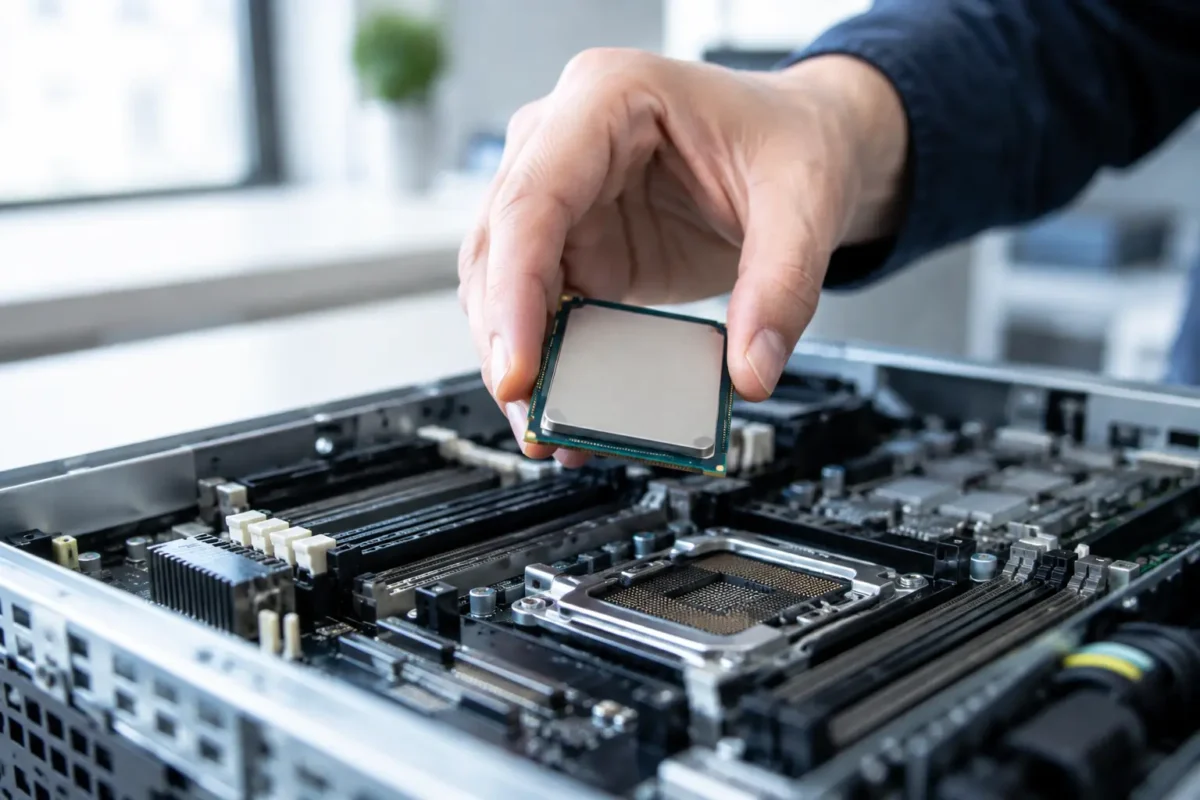
A low-cost Xeon or EPYC processor can look like an easy performance win, especially when a server still has free CPU capacity on paper. But do server CPUs support upgrades in the way desktop PCs do? Sometimes. The deciding factors are not just the socket and core count. Server model, motherboard revision, BIOS, cooling assembly, memory layout and OEM-approved processor lists all matter before you place an order.
For IT buyers replacing or extending enterprise hardware, the right upgrade can add cores, improve virtual machine density and delay a chassis refresh. The wrong one can leave a production server unable to boot, running hot, or unsupported by management tools. Treat a server CPU as a platform-specific component, not a universal part.
Do server CPUs support upgrades in every server?
No. Most rack and tower servers have removable processors, but upgradeability varies sharply by generation and configuration. Dell PowerEdge, HPE ProLiant, Lenovo ThinkSystem and Cisco UCS platforms are designed around specific processor families. A CPU that physically fits the socket may still be rejected by the system firmware or exceed the board’s supported power envelope.
For example, two processors may use the same LGA socket but belong to different Intel Xeon Scalable generations. The server can require a particular chipset, system board or BIOS release for that generation. The same principle applies to AMD EPYC systems, where socket compatibility alone does not guarantee support across CPU series.
Appliance-style servers and compact edge systems can be more restrictive. Some use soldered processors, while others have a replaceable CPU but limited heatsink clearance or fixed fan profiles. Check the exact chassis and motherboard, not only the server family name. A PowerEdge R740, for instance, cannot be assessed in the same way as every other Dell rack server.
Start with the server’s exact model and service tag
The fastest route to a safe upgrade is identifying the current platform precisely. Record the manufacturer, server model, service tag or serial number, motherboard revision, installed processor model and current BIOS version. This information lets you compare the machine against the manufacturer’s supported CPU matrix.
A compatible processor should match the server’s approved family, generation and maximum thermal design power. The matrix may also specify whether a processor is supported only in certain chassis configurations, such as performance fan kits or high-output power supplies. It can also flag processors that need a minimum firmware revision.
Do not rely on online marketplace titles alone. A listing that says “compatible with Dell” or “Xeon server CPU” is not enough for procurement approval. Compare the full processor specification, including the exact Intel sSpec or AMD OPN where possible. Small suffix differences can indicate changes in frequency, power rating, integrated features or stepping.
Socket compatibility is only the first check
The CPU socket identifies the physical interface, not the complete compatibility story. A socket match answers one question: can the processor be installed? It does not confirm that the server BIOS recognises it, that the voltage regulation module can supply it, or that the cooling system can manage its heat output.
This is particularly relevant with high-core-count and high-frequency parts. A server shipped with a 105 W processor may not support a 205 W replacement without different heatsinks, fans and power supplies. Even where the manufacturer lists the CPU as supported, the required hardware kit can vary by chassis depth and processor count.
Before buying, verify the maximum supported TDP for the specific server. Check whether the upgrade requires a performance heatsink, additional fan modules, a second CPU air shroud or larger power supply units. These items are often inexpensive compared with downtime, but they need to be ordered together.
Single-CPU versus dual-CPU upgrade rules
A second processor is not simply an add-on in every dual-socket server. When populating both sockets, enterprise platforms usually require matching CPUs: same model, core count, cache, speed and stepping. Mixing processors can prevent booting or cause the server to run both chips at the lower specification.
There is also a memory consideration. Each CPU controls its own memory channels. Adding a second CPU without adding RAM may expose no extra usable memory capacity and can create an imbalanced configuration. For virtualisation hosts, database workloads and memory-heavy applications, populate memory evenly across the channels attached to each processor.
A dual-CPU upgrade may also add PCIe lanes, depending on the platform. That matters if you are fitting extra NICs, HBAs, RAID controllers, GPUs or NVMe storage. However, check the server manual carefully: some risers and drive bays only function when CPU 2 is installed, while others share lanes that affect expansion choices.
BIOS, firmware and management updates
Update the server firmware before changing processors, while the existing system is stable. This normally includes the BIOS or UEFI, iDRAC, iLO, XClarity Controller, storage controller and platform management components. The target processor may need microcode that is absent from an older BIOS.
Plan the update under a maintenance window and preserve a tested backup of system configuration. If the machine is part of a cluster, migrate workloads first and bring the node back into service only after health checks are complete. A CPU upgrade is hardware work, but its operational impact is still a change-management task.
After installation, confirm that the BIOS sees the correct processor model, core count and memory population. Check event logs for thermal, power or memory warnings. Then run vendor diagnostics and workload-specific tests before relying on the server in production.
Check software licensing before adding cores
More cores can reduce performance bottlenecks, but they can also increase software costs. Many server applications, hypervisors and operating systems are licensed by physical core, processor or CPU socket. Microsoft licensing, database licensing and some security or analytics platforms may need additional entitlement after an upgrade.
This is not a reason to avoid a higher-core CPU. It is a reason to price the whole change accurately. A discounted processor kit can become costly if it triggers a large licence increase, while a lower-core, higher-clock CPU may deliver better value for latency-sensitive workloads.
Consider the actual bottleneck. A file server constrained by storage latency will not become materially faster just because it has more CPU cores. Equally, a virtualisation host with CPU ready-time issues may benefit far more from an approved processor upgrade than from adding memory alone. Review utilisation history, not only the current specification.
New, used and refurbished server processors
Used enterprise CPUs can offer excellent value for approved legacy platforms, particularly where the alternative is replacing an otherwise serviceable chassis. They are common in decommissioned data centre equipment and can make sensible spares for Dell, HPE and Lenovo estates.
The trade-off is traceability and support. Confirm the processor is the exact approved model, inspect it for damaged contacts or heat-spreader marks, and buy from a supplier that provides clear condition details, warranty cover and returns protection. Avoid engineering samples and qualification samples for production deployments. They may boot in some systems, but firmware support, stability and vendor support are uncertain.
Where uptime is critical, consider holding a matching spare. A matched CPU pair, correct heatsinks and fresh thermal compound can turn a future hardware incident into a planned replacement rather than an urgent search for discontinued stock.
A practical pre-purchase checklist
Before ordering a server processor, confirm these points with the server documentation and the proposed part number:
- Exact server model, motherboard version and current BIOS revision.
- Approved CPU family, generation, stepping and maximum supported TDP.
- Whether a high-performance heatsink, fan kit, air shroud or larger PSU is required.
- Matching CPU requirements for dual-socket population.
- Memory channel population and any CPU-dependent PCIe or storage options.
- Licensing impact, maintenance window and post-installation validation plan.
This short check prevents the common mistake of buying on socket type alone. It also makes it easier to compare processor kits properly: a lower-priced CPU is not the better deal if it needs costly cooling hardware or creates a licensing problem.
When a CPU upgrade is the right investment
Upgrade the processor when the server platform is still within support for your environment, has adequate memory and storage headroom, and the workload is demonstrably CPU-bound. It is often a sensible route for branch servers, lab infrastructure, backup appliances and virtualisation hosts running a stable operating system stack.
Replace the platform instead when the server lacks modern storage options, network speeds, security features or vendor firmware support. A processor upgrade cannot add PCIe generations, improve an ageing RAID controller or resolve a chassis with recurring power and cooling faults. In those cases, a newer server can be the lower-risk purchase even if the initial price is higher.
The best CPU upgrade is not the processor with the highest core count. It is the approved part that fits the server, cooling and licensing model, then delivers a measurable improvement for the workload you actually run.
