












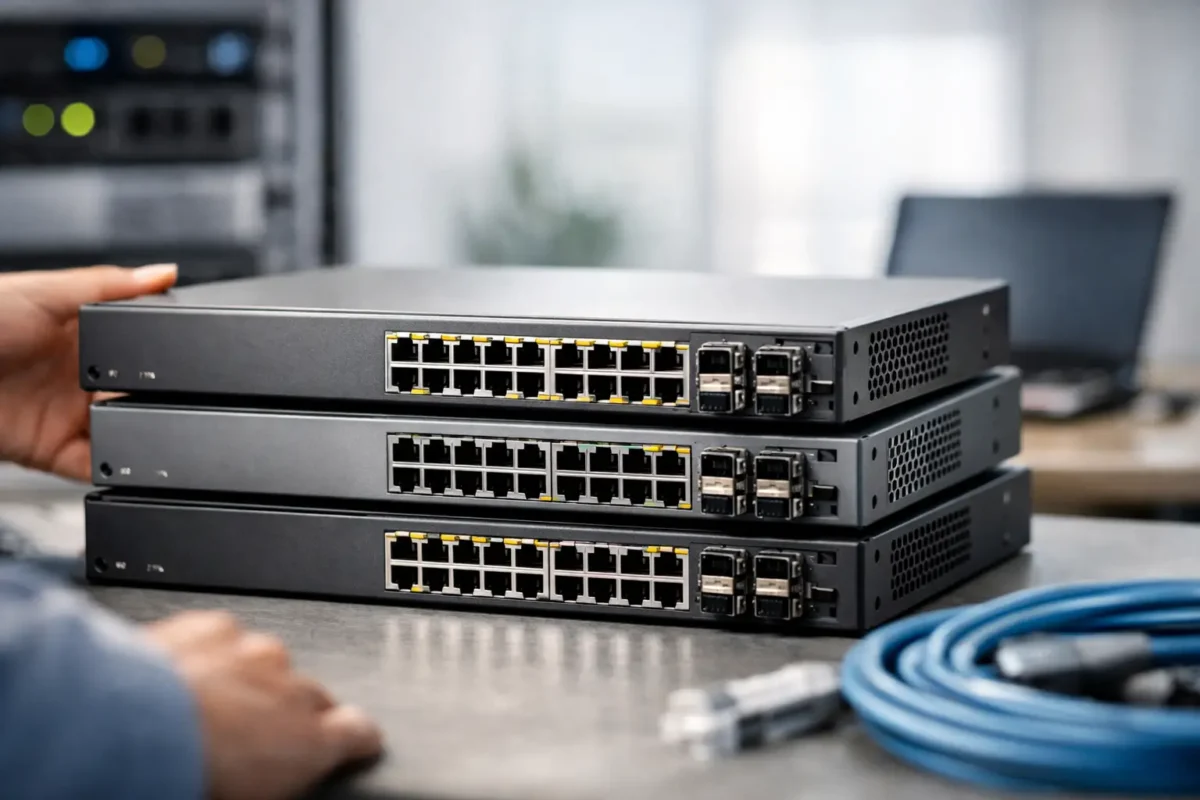
A switch that is £200 cheaper can become the expensive option if it has the wrong uplinks, insufficient PoE power or a licence that cannot be transferred. Cisco switches remain a standard choice for business networks because the range covers everything from a small office rack to a high-density campus core, but the catalogue is broad enough that model numbers matter as much as the Cisco badge.
For procurement teams, MSPs and network administrators, the right purchase starts with the deployment requirement: endpoint count, port speed, power demand, redundancy, software feature set and expected service life. Once those are defined, buying new, surplus or used enterprise hardware becomes a practical cost decision rather than a guess.
Start With the Network Role
Cisco switch families are designed for different jobs. A low-cost access switch may be ideal for IP phones, wireless access points and desk users, while a distribution or core switch needs higher uplink capacity, deeper routing capability and hardware redundancy. Avoid paying for a chassis or feature set that will never be used, but do not force a basic access model into a role that demands high availability.
For smaller deployments, Cisco Business switches can suit straightforward networks where managed VLANs, gigabit connectivity and PoE are the main requirements. Catalyst models are more commonly selected for managed business and enterprise estates, particularly where standardised configurations, advanced policy controls and central management are required. Nexus equipment is generally aimed at data centre environments, where high port density, low-latency switching and 10GbE, 25GbE, 40GbE or 100GbE connectivity are central to the design.
The model family alone is not enough. A 24-port switch and a 48-port switch may look like a simple capacity choice, yet the available PoE budget, uplink module options, stacking support and software entitlement can differ significantly. Read the full part number before comparing prices.
Cisco Switches: Specify Ports Before Price
Port count is the first filter, but it should not be the last. Count current wired devices, then allow room for growth, spare ports and temporary equipment. Buying exactly 24 ports for a site with 23 live connections leaves no practical margin for fault finding, a new access point or an additional workstation.
Port speed deserves the same attention. Gigabit Ethernet remains sufficient for many user endpoints, printers and IP handsets. However, modern Wi-Fi 6 and Wi-Fi 6E access points can exceed a 1GbE connection under load. Multi-gigabit interfaces such as 2.5GbE or 5GbE may be the better fit where wireless performance is a priority.
Uplinks are where many otherwise sensible purchases fail. A switch serving 48 gigabit ports should not necessarily feed the rest of the network through a single 1GbE uplink. Check the number, speed and physical type of uplink interfaces. Depending on the model, you may need SFP, SFP+, SFP28, QSFP or a dedicated network module. The switch price is only part of the budget if compatible optics, direct-attach cables or uplink modules are still required.
For multi-switch sites, assess stacking as well. Stackable Cisco switches can operate as one logical unit, simplifying management and offering useful resilience when designed correctly. The trade-off is that stack cables, stack modules and compatible software versions must be accounted for. Not every switch with a similar front-panel layout can join the same stack.
Calculate PoE Budget Properly
Power over Ethernet is one of the most valuable reasons to buy a business-class switch, but “PoE switch” is not a complete specification. The available power budget determines how many devices can receive power at the same time.
An IP phone may consume modest power, while a pan-tilt-zoom camera, high-output wireless access point or access control device can require substantially more. PoE+, also known as 802.3at, supports higher draw than standard 802.3af PoE. Some newer equipment requires 802.3bt, often referred to as PoE++ or Universal PoE on selected Cisco platforms.
Add the expected maximum draw of every powered device, then leave headroom. A 48-port PoE switch does not automatically provide full power on all 48 ports. If a model has a 370W budget and the design needs 420W during peak operation, devices may fail to power up or operate with restricted capability. Check the installed power supply too, particularly on modular or used equipment, as the same switch chassis can have different power capacity depending on its configuration.
Check Layer 2, Layer 3 and Security Features
For a basic access layer, VLANs, trunking, link aggregation, Spanning Tree and quality of service are often the core requirements. A managed Layer 2 switch can meet that brief efficiently. Where the switch must route between VLANs, support dynamic routing, act as a default gateway or apply more detailed policy, Layer 3 capability becomes relevant.
Cisco licensing and software levels can affect what is actually available on the hardware. Catalyst platforms may use Network Essentials or Network Advantage, while newer deployments may also involve Cisco DNA subscriptions and Smart Licensing. The exact terms vary by generation, so verify the entitlement required for your intended features rather than assuming every used switch includes the same capabilities.
Security requirements also change the selection. Features such as 802.1X authentication, MACsec, DHCP snooping, dynamic ARP inspection, access control lists and segmentation can be essential in a managed environment. A lower-cost model may still switch packets perfectly well, but lack the controls needed for a corporate, education, healthcare or multi-tenant network.
New, Used and Refurbished Hardware Have Different Advantages
New Cisco hardware provides the clearest manufacturer lifecycle position, current software support and a predictable warranty route. It is often the right choice for a new standard build, a regulated environment or a network that needs the longest possible support window.
Used and refurbished Cisco switches can offer major savings, especially for spare units, branch offices, lab environments and established installations using legacy platforms. They are particularly useful when a like-for-like replacement is needed quickly and redesigning the site around a current model would add unnecessary cost.
The trade-off is lifecycle risk. Before buying, confirm the exact hardware revision, installed power supplies, fan trays, network modules, rack ears and software image. Ask whether the unit has been tested, reset and inspected for port faults. For any model that depends on subscriptions or transferable licences, establish what is included and what must be purchased separately.
A used unit can be a strong value purchase when it matches an existing deployment and has a clear support plan. It is a weaker choice when it is already close to end of support, cannot run the required software release or leaves no realistic path for future capacity.
Build a Bill of Materials, Not Just a Switch Order
A switch is rarely a standalone purchase. Optics, DAC cables, stack hardware, power leads, mounting kits and spare power supplies can be essential to deployment. A compatible transceiver also needs to match both the port type and the fibre installed at the site, whether multimode or single-mode.
For a replacement switch, capture the existing part number and configuration before ordering. Record port count, PoE requirement, uplink type, power supply part number, installed modules, software version and any stack membership. This reduces the risk of receiving hardware that physically fits the rack but cannot connect to the network as intended.
For a new site, create a short specification sheet covering endpoint quantity, present and projected bandwidth, powered-device wattage, fibre type, rack depth, redundant power needs and management requirements. This gives procurement a defensible basis for comparing equivalent Cisco models and alternative conditions of stock.
Make Compatibility the Final Check
The lowest listed price is only a deal if the switch is deployable on arrival. Confirm compatibility with the existing stack, controller, optics, software release and management tools. Check whether a power cable is included for the destination region and whether rack-mount hardware is required. For remote sites, consider holding an identical spare where downtime carries a higher cost than the extra hardware.
Green Code UK can be a useful source when you need to compare discounted current, surplus and used enterprise stock, but the technical decision should still be driven by the full part number and deployment specification. A clear bill of materials turns a fast purchase into a switch installation that works first time.
