












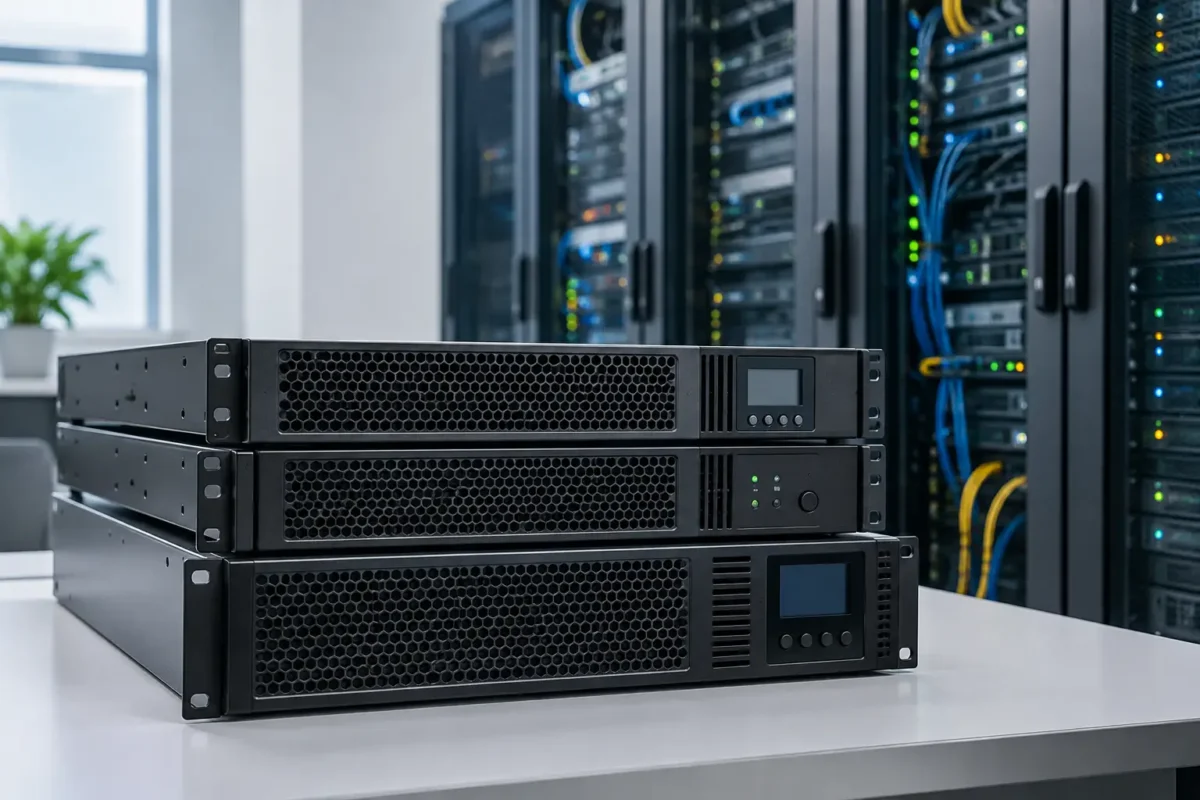
A power cut that takes down a single access switch is inconvenient. One that drops a virtualisation host, SAN and firewall at the same time can turn into lost work, damaged data and a long recovery window. The best rackmount UPS systems do more than provide a few minutes of battery power: they condition incoming power, protect sensitive enterprise hardware and give administrators time to shut equipment down in the right order.
For server rooms, comms cabinets and edge deployments, the right choice is rarely the unit with the highest VA figure or the lowest ticket price. Load profile, rack space, input and output connections, battery runtime, monitoring and serviceability all matter. Buying the wrong UPS can leave you with insufficient runtime, the wrong plug type or a unit that cannot support the equipment you add six months later.
What separates the best rackmount UPS systems
A rackmount UPS is normally specified in VA and watts. VA describes apparent power, while watts show the real load the UPS can supply. Watts are the figure to protect most carefully. A 1500VA UPS may only deliver 1350W, for example, and a high-density server can consume a surprisingly large share of that capacity during boot-up or peak processing.
For business-critical racks, online double-conversion models are usually the stronger option. They continuously convert incoming AC power to DC and back to clean AC output, isolating connected equipment from voltage fluctuations, frequency variation and many common power events. This comes with a higher purchase price, more heat and sometimes more fan noise, but it is the sensible trade-off for servers, storage, security appliances and network cores.
Line-interactive rack UPS systems cost less and can work well for lighter workloads. They are often a practical fit for an access-switch cabinet, a small office network rack or a single NAS where utility power is generally stable. They regulate moderate voltage changes without switching to battery, but they do not provide the same level of power isolation as online units.
Pure sine-wave output should be treated as a baseline for modern IT equipment. Server and network power supplies with active power factor correction expect clean output. Modified sine-wave models may suit basic peripherals, but they are a poor match for equipment that keeps a business operating.
Size the UPS for the rack you have, not the one you remember
Start with measured power draw. Read the figures from a metered PDU, intelligent PDU, server management controller or a reliable power meter. Do not simply add up the wattage printed on every PSU label. A server with dual 800W power supplies is not necessarily drawing 1600W, although redundant power design changes how it should be connected.
Add the measured watts for all protected devices, then allow 20 to 30 per cent headroom. That margin accommodates startup demand, future switches, transceivers, drives and battery ageing. Running continuously at the edge of a UPS rating is false economy: runtime falls sharply, alarms become routine and there is no space for normal infrastructure growth.
Runtime is a separate decision. A five-minute runtime can be sufficient where a generator starts automatically and reliably. Fifteen to twenty minutes is more useful for controlled shutdown and short outages. Remote sites without generator backup may need extended battery packs, particularly when the rack contains a firewall, broadband termination, PoE switch and CCTV recorder that must remain live.
Consider a 900W network and server load. A 1500VA / 1350W UPS might technically carry it, but its runtime at that load may be modest. A 2200VA or 3000VA model gives more operating margin and often accepts external battery modules. The better purchase depends on the required shutdown window, not just whether the load fits on paper.
Rack fit, power connections and heat can decide the purchase
Check the physical specification before adding any unit to a procurement list. A 2U UPS may appear simple to accommodate, but deep online models can be substantially heavier than a switch or firewall. Confirm rail compatibility, rack depth, front-to-rear clearance and the cabinet’s load rating. Batteries make rack UPS units heavy enough that safe installation may require two people.
Input and output formats are equally important. Smaller units commonly use an IEC C14 input and IEC C13 outlets. Higher-capacity models may need an IEC C20 input, C19 outputs or a hard-wired supply. In a UK installation, the circuit, plug arrangement and PDU must all suit the UPS rating. Do not assume that a standard 13A socket can support a high-load 3000VA deployment.
Outlet mix matters when protecting blade servers, high-density compute or storage. C13 outlets suit most lower-power devices, while C19 outlets support higher-current server PSUs. Count outlets, but also identify whether you need independently switchable outlet groups. These allow non-essential devices to be shut down first, preserving battery runtime for core hardware.
Online UPS systems generate heat and fan noise. A sealed wall cabinet or office cupboard may not be an appropriate home for one, even if the dimensions fit. Review the thermal load, airflow direction and ambient temperature. Battery life declines quickly in sustained high heat, so a cool, ventilated rack is part of the power-protection plan.
Product families worth comparing
APC Smart-UPS models remain a familiar choice in mixed enterprise estates because of their broad availability, management options and extensive replacement battery ecosystem. Smart-UPS SRT online units are aimed at demanding server and network workloads, while selected SMT rack models offer line-interactive protection where budget and load requirements are more modest. Verify the exact suffix, voltage, plug configuration and rail kit, as similar-looking model numbers can have materially different specifications.
Eaton 9PX rackmount UPS systems are strong candidates for server, storage and networking environments that need online power protection, efficient operation and detailed monitoring. Their power-management capability and optional extended battery arrangements make them particularly relevant where orderly shutdown across several devices is required.
Vertiv Liebert GXT5 units are another established online UPS family for professional racks. They are often considered for branch infrastructure, network rooms and edge compute where footprint, controllable outlets and remote management are important. As with any UPS, check acoustic performance and battery expansion support against the room and runtime requirement.
CyberPower online rackmount ranges can offer a cost-conscious route to double-conversion protection. They deserve comparison where the specification matches the project, especially for smaller deployments where buyers need enterprise-style features without paying for capacity they will not use. The key is to compare watt rating, battery runtime curves, network card support and warranty terms rather than selecting solely on VA.
There is no universal winner between these families. Existing monitoring platforms, replacement battery availability, standardised cable types and installed rack depth can make one model a better operational purchase than another. For replacement projects, matching the established UPS platform can also simplify spares holding and staff familiarity.
Do not treat network management as an optional extra
A USB cable to one host is not enough for a rack supporting several services. Look for an SNMP or network management card, whether included or available as an option. This gives administrators browser-based status, event logging, email alerts and integration with network monitoring platforms.
The practical value is controlled shutdown. A properly configured UPS can instruct virtualisation hosts, servers and storage to close services before the batteries are exhausted. It can also sequence outlet groups and provide capacity data that flags an overloaded rack before an outage exposes the problem.
For security and branch networks, remote visibility is just as valuable. If an unmanned cabinet loses mains power, operations staff should know the battery state, remaining runtime and load without travelling to site. Choose hardware with management features that match the support model, rather than paying for advanced controls that will never be configured.
Common buying errors that create expensive problems
The first is sizing by VA alone. Always validate watts, expected runtime and power factor. The second is overlooking redundant PSU design. If a server has two PSUs and the wider architecture supports it, connect each PSU to a separate UPS or separate protected power path. Plugging both into the same unit protects against a mains failure but does not remove the UPS itself as a single point of failure.
Another frequent mistake is protecting the server but not its dependencies. A server that remains powered while its switch, firewall, storage array or broadband router shuts down may still be unavailable. Identify the service chain and prioritise essential equipment. For a smaller rack, that may mean the router, firewall, core switch, NAS and one host rather than every peripheral device.
Finally, factor in maintenance from day one. UPS batteries are consumable items, not lifetime components. Plan for replacement intervals based on manufacturer guidance, ambient conditions and test results. An alarm-free unit is not proof that ageing batteries will deliver their rated runtime.
A rackmount UPS should be purchased as part of the rack design, alongside PDUs, cooling, cable management and monitoring. Specify the load carefully, leave meaningful headroom and choose a model with the connections and management features your team will actually use. That approach protects the equipment budget already sitting in the cabinet when mains power is least predictable.
