












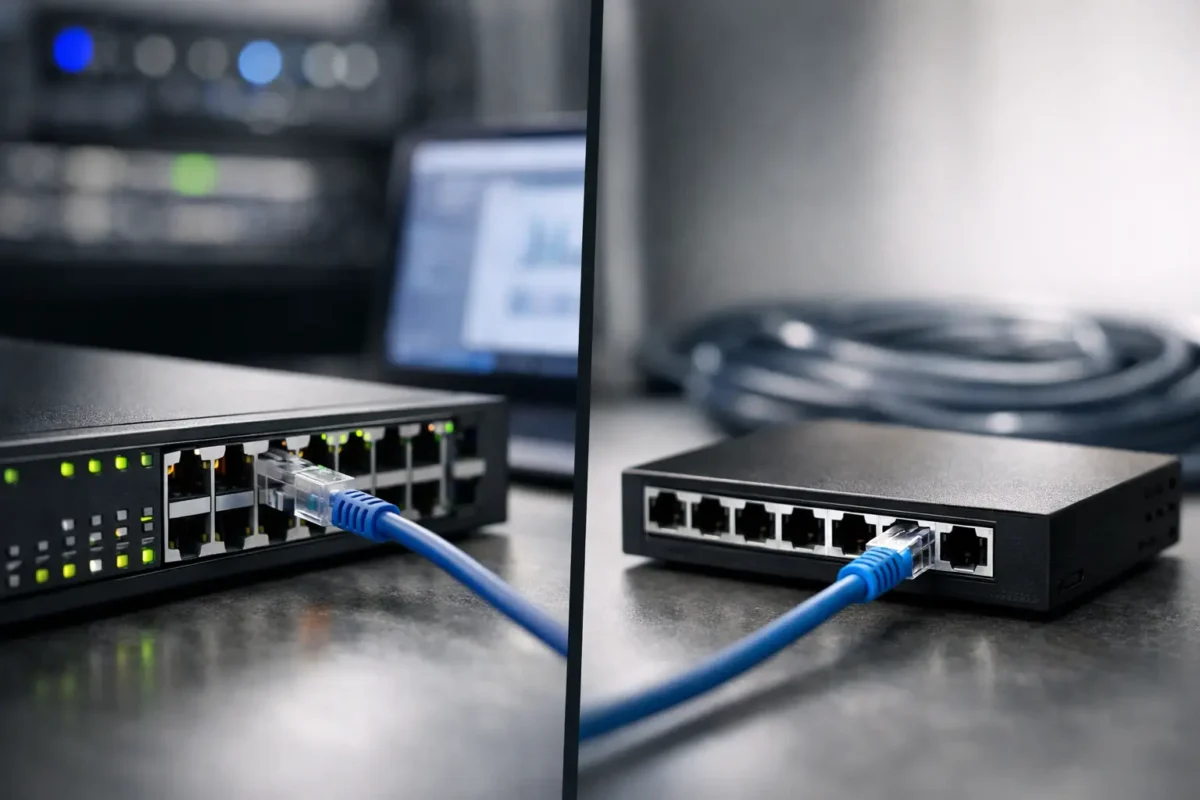
A switch may look like a simple purchase – choose a port count, confirm the speed, fit it in the rack and connect the cables. In practice, the managed versus unmanaged switches decision affects how much control your IT team has after deployment. It determines whether you can segment traffic, diagnose faults remotely, prioritise voice and video, and apply security policies at the network edge.
For a small, fixed network, an unmanaged model can be the fastest and lowest-cost route to extra ports. For a growing office, multi-site estate, warehouse, school or customer environment, a managed switch usually prevents much larger operational problems later. The right choice is not about buying the most feature-rich hardware available. It is about matching the switch to the role it will perform, the skills available to manage it and the cost of downtime.
Managed versus unmanaged switches: the practical difference
An unmanaged switch is plug-and-play Ethernet hardware. Connect devices, apply power and it forwards traffic automatically. There is no web console, command-line interface or controller configuration. This makes deployment quick, particularly where the switch serves a handful of printers, workstations, tills, cameras or other devices that all belong on the same flat network.
A managed switch gives administrators access to the forwarding behaviour and operating status of each port. Depending on the model and software licence, this can include VLAN configuration, quality of service (QoS), port security, link aggregation, spanning tree, SNMP monitoring, access control lists, mirroring and power-over-Ethernet management. Enterprise models from Cisco, HPE, Dell, Juniper and Huawei may also offer stacking, redundant power options, Layer 3 routing and centralised management.
The distinction is therefore not simply complexity versus simplicity. It is visibility and policy control versus a fixed, automatic configuration. An unmanaged switch forwards traffic well, but it cannot explain why a link is slow, isolate a department, or apply a rule to an unauthorised device.
What you gain with a managed switch
VLANs are often the first reason to specify managed hardware. A VLAN separates traffic logically even when users and devices connect to the same physical switch. Finance systems, guest Wi-Fi, voice handsets, CCTV cameras, building controls and everyday office devices can occupy distinct network segments. That reduces unnecessary broadcast traffic and gives a firewall or router clearer boundaries for security policy.
Managed switching also supports better fault finding. If a user reports poor call quality or a wireless access point drops intermittently, administrators can check port speed, errors, utilisation, PoE draw and event logs. Port mirroring can send a copy of traffic to an analyser during investigation. On an unmanaged switch, diagnosis usually means tracing cables, swapping hardware and making educated guesses.
QoS matters where voice, video conferencing or business-critical applications share links with routine traffic. A managed switch can mark and prioritise selected traffic so a large backup or file transfer is less likely to disrupt calls. It cannot create bandwidth that does not exist, but it can allocate the available capacity more intelligently.
Security is another decisive factor. Features vary by platform, but managed access switches can limit MAC addresses, disable unused ports, authenticate users or devices through 802.1X, and apply ACLs. These controls are especially relevant for open-plan offices, shared facilities and installations with cameras, access points or IP phones in accessible locations.
Where unmanaged switches still make sense
Unmanaged models are not inferior by default. They are appropriate when the network design is small, stable and genuinely uncomplicated. A five-port or eight-port Gigabit switch behind a single workstation area, a temporary test bench, or an isolated set of non-critical devices may need nothing more.
They also remove the configuration burden. There are no credentials to maintain, no firmware feature set to learn and no risk of an incorrect VLAN setting taking a device offline. For a basic extension of an existing LAN, that simplicity has value.
The limitations become clear when one switch serves mixed device types or becomes a hidden dependency for a wider network. Connecting guest devices, cameras, VoIP phones and business PCs through an unmanaged switch places them in the same Layer 2 environment unless segmentation happens elsewhere. It also leaves no easy way to see which port is causing a loop, negotiating at 100 Mbps, or consuming unexpected bandwidth.
Choosing managed or unmanaged switching by deployment
Start with the traffic and the consequences of an outage, rather than the purchase price alone. A compact unmanaged Gigabit switch can be the correct solution for a low-risk edge connection. A 24-port managed PoE+ switch may be the better value for an office floor with wireless access points, IP phones and surveillance cameras, even if its initial cost is higher.
For a small office with a single internet connection, a managed access switch is worth considering once there are separate staff and guest networks, cloud-managed access points, phones or CCTV. VLAN support avoids relying on physical separation alone, while PoE monitoring helps identify whether endpoint devices are receiving sufficient power.
For MSPs and multi-site organisations, managed switches are usually the baseline. Remote monitoring, standardised templates and configuration backups reduce site visits and speed up replacement. When a switch fails, loading a known configuration onto a compatible replacement is far more predictable than rebuilding a network port by port.
For enterprise racks and server rooms, look beyond the word “managed”. Confirm whether the switch is Layer 2 or Layer 3, the uplink format, switching capacity, forwarding rate, stacking compatibility, airflow direction, power supply arrangement and licence requirements. A discounted chassis is only a good deal if its optics, rails, power supplies and software features fit the existing environment.
PoE, port speeds and uplinks need equal attention
Management capability does not solve an underspecified hardware design. If the switch must power access points, cameras or phones, calculate the full PoE budget rather than assuming every PoE port can deliver maximum power simultaneously. Check whether the requirement is PoE, PoE+ or a higher-power standard, and allow headroom for peak draw.
Likewise, 24 or 48 copper ports may not be enough if the uplinks are limited. A busy access layer feeding servers, storage, multiple access points or high-resolution cameras can outgrow a single 1 GbE uplink quickly. Managed models commonly provide SFP, SFP+ or higher-speed uplink options, allowing fibre or DAC connections that better match the core network.
Used and surplus enterprise hardware can offer strong value here, particularly for established environments standardised on familiar Cisco, HPE, Dell or Juniper platforms. Verify the exact model number, included power supplies, fan modules, rack ears, transceivers, software image and licensing status before procurement. Similar-looking switch variants can differ substantially in PoE capability, port type and feature entitlement.
Features that justify the managed premium
Not every managed feature needs to be used on day one. The point is to buy enough headroom for the way the network is likely to evolve. These capabilities are commonly worth paying for when the switch is a permanent part of production infrastructure:
- VLANs for separating user, guest, voice, camera and management traffic.
- PoE controls and power budgeting for access points, phones and surveillance endpoints.
- SNMP, logs and port statistics for proactive monitoring and faster support.
- QoS for voice, video and latency-sensitive applications.
- Link aggregation and redundant topology controls for availability and higher uplink capacity.
- Port security, 802.1X and ACLs for more controlled edge access.
A smart-managed switch can be a useful middle ground. These products often provide a browser-based interface, VLANs, QoS and basic monitoring without the operational depth of a fully managed enterprise platform. They suit smaller deployments where segmentation is required but advanced routing, stacking, command-line administration and detailed policy controls are not.
Avoid buying on port count alone
The cheapest switch with enough ports can create false economy. Consider supportability over the expected service life. Is there a spare on site or an available compatible replacement? Can your team configure it confidently? Does it use the same transceiver family as the installed core? Will its fan noise, power draw and rack depth suit the location?
Also avoid placing an unmanaged switch behind a managed network and assuming the management benefits extend through it. The upstream switch can see the uplink, but it cannot separately manage or monitor every downstream endpoint. A single unmanaged device can turn several devices into one blind spot.
Before ordering, confirm the port count with growth allowance, copper and fibre requirements, PoE class and budget, uplink speed, management method, firmware and licence position, plus rack and power requirements. Those checks narrow the catalogue quickly and make price comparisons meaningful.
Green Code UK buyers sourcing replacement or expansion hardware should treat the existing network standard as part of the specification. Matching an established switch family can simplify optics, spares, configurations and support procedures, while a carefully chosen managed upgrade can add segmentation and visibility without replacing the full estate.
The best switch is the one that leaves your network easier to operate after installation. If the environment is static and low-risk, keep it simple with unmanaged hardware. If devices, users and business reliance are growing, buy the control to see what is happening and act before a minor port issue becomes a costly outage.
