












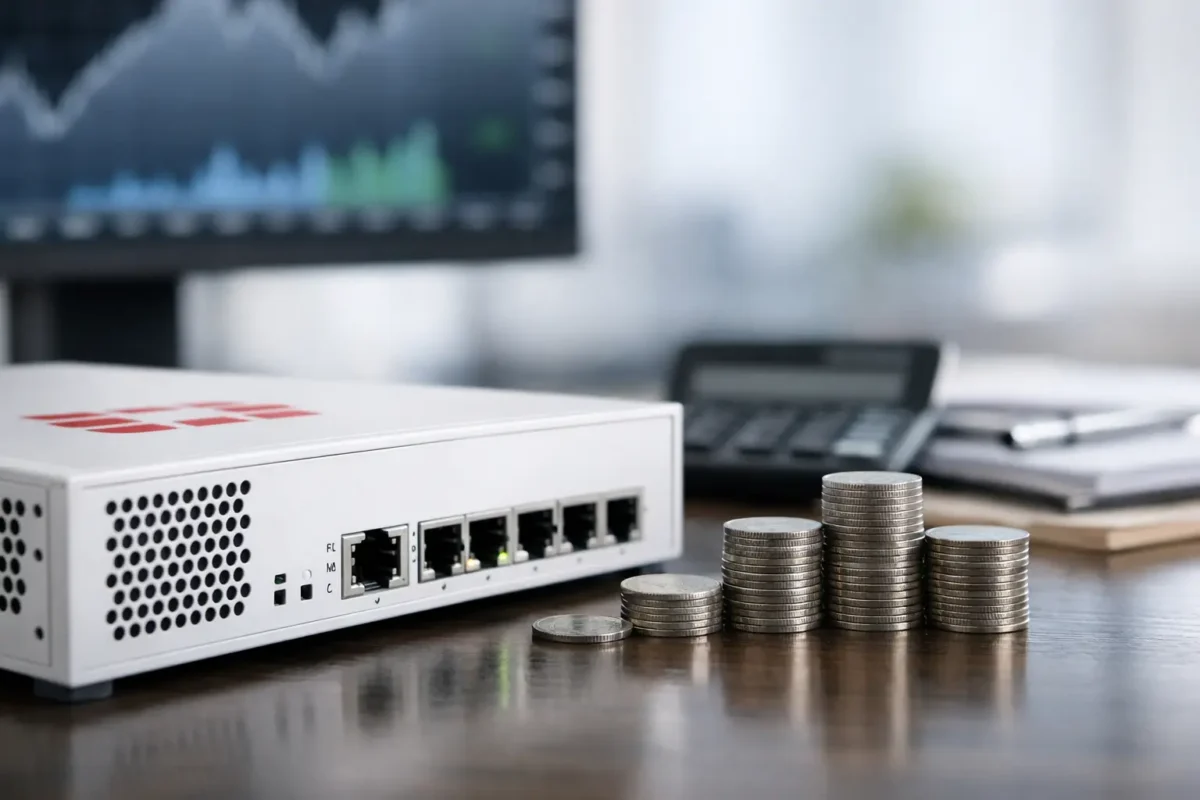
A low appliance price can make Fortigate firewall pricing look straightforward, until the quote arrives with security subscriptions, support coverage and a multi-year renewal requirement. For IT buyers, the real question is not simply what a FortiGate unit costs. It is what protection, throughput and operational cover that spend delivers over its working life.
Fortinet appliances are available across small-office, branch, campus, data-centre and high-performance environments. That range is useful, but it means a model number alone is not enough to compare value. A correctly sized firewall with the right FortiGuard services can cost less over three years than a cheaper unit that needs replacing early or leaves critical inspection features switched off.
What Shapes Fortigate Firewall Pricing?
The hardware appliance is the visible part of the purchase, but several variables determine the final cost. Model family, interface type, performance requirements, subscription bundle, support term and stock condition all matter. A compact desktop firewall for a small site is priced very differently from a rackmount appliance built for multiple WAN connections, high user counts and 10GbE uplinks.
FortiGate performance figures also need reading carefully. Firewall throughput, IPS throughput, NGFW throughput and threat-protection throughput are not interchangeable. A unit may handle basic firewall traffic at a high headline rate but deliver considerably less capacity when SSL inspection, intrusion prevention, application control and anti-malware scanning are enabled. Buying against the largest number in a datasheet can create a false economy.
Port requirements affect price too. A branch may only need several 1GbE copper ports and dual WAN. A growing office or server edge may require SFP or SFP+ connectivity, redundant power supplies, extra interfaces and a rackmount form factor. If those connections are added later through adapters, additional switches or a replacement firewall, the original saving disappears quickly.
Appliance Cost: New, Surplus and Used Stock
New FortiGate hardware is typically the most direct route for organisations that need current-generation performance, a fresh manufacturer warranty and a predictable support lifecycle. It is normally the right choice for a new deployment, an environment with strict procurement policy or a site that will rely heavily on encrypted traffic inspection.
Surplus, open-box and used enterprise hardware can be attractive where the priority is a cost-effective replacement, lab build, secondary site or refresh of an existing compatible estate. Older models can offer strong routing and firewall capability for modest workloads, particularly when a business already understands the platform. However, hardware condition is only one part of the decision.
Before purchasing used Fortinet equipment, confirm the exact model, power supply arrangement, rack ears, included accessories, firmware compatibility and licensing eligibility. More importantly, establish the product’s support status. A heavily discounted appliance is less compelling if the required FortiGuard services cannot be transferred, renewed or activated for the intended deployment. For production security gateways, supportability should be checked before placing the order, not after the hardware arrives.
Licensing Is Often the Bigger Budget Line
A FortiGate appliance can operate as a firewall without every subscription service, but that does not mean a hardware-only purchase provides the level of protection most business networks expect. FortiGuard subscriptions add the intelligence and inspection services that turn the platform into a fully featured next-generation firewall.
Depending on the selected bundle, these services may include intrusion prevention, antivirus, web filtering, DNS security, application control, IP reputation, sandbox integration and enhanced threat protection. FortiCare support provides access to technical assistance, firmware updates and replacement options based on the chosen service level.
The right bundle depends on risk and deployment. A small office handling ordinary business traffic may not need the same entitlement as a site hosting customer systems, remote access VPNs or sensitive workloads. Conversely, choosing the lowest licence tier for a gateway exposed to heavy internet traffic can leave useful inspection services unavailable when they are needed most.
Multi-year bundles commonly improve the effective annual cost compared with buying one year at a time. They also make budgeting easier and reduce the risk of a renewal being missed. The trade-off is reduced flexibility if the site is likely to close, merge or be redesigned before the term ends. For a stable branch or headquarters deployment, three-year coverage is often the practical purchasing baseline. For temporary projects, testing or uncertain growth plans, a shorter term may be more sensible.
Do Not Compare Hardware-Only Quotes With Bundled Quotes
This is one of the most common procurement errors. One supplier may show an appliance-only price, while another shows the same firewall with a one-year or three-year FortiCare and FortiGuard package. The lower number is not necessarily the lower cost.
Request quotes that clearly state the appliance SKU, licence bundle name, support level, term length and whether the entitlement is new, transferable or renewal-only. If the equipment will join an existing Fortinet estate, check whether central management, logging, FortiToken requirements or additional virtual domains will create further costs. A like-for-like comparison starts with matching entitlements, not matching product photographs.
Size the Firewall for Inspected Traffic, Not Just Users
User count is a useful starting point, but it is not a reliable sizing method on its own. Fifty staff using email and cloud documents create a very different traffic profile from fifty staff on video calls, large design-file transfers, remote desktops and SaaS platforms. Add guest Wi-Fi, site-to-site VPNs, IP telephony, server publishing or SSL VPN access and the requirement changes again.
Estimate normal and peak internet use, then include growth headroom. Consider the percentage of encrypted traffic to be inspected, the number of concurrent sessions, VPN tunnels, WAN links and required port speeds. For environments that enable deep inspection, select against threat-protection throughput rather than raw firewall throughput. This is where an appliance that appears expensive on day one can deliver better value by avoiding performance compromises for several years.
High availability is another commercial decision. A single firewall is cheaper, simpler and often adequate for a low-risk branch. A pair of matched appliances in an HA configuration raises hardware and licensing costs, but it reduces the impact of device failure and maintenance windows. For organisations where internet access, VPN connectivity or cloud applications are business-critical, that resilience may be easier to justify than the cost of an outage.
Build a Three-Year FortiGate Budget
For most business purchases, assessing the first invoice alone is not enough. Build a three-year total cost of ownership that includes the appliance, subscription bundle, support, optional HA peer, power and rack accessories, installation time and expected renewal cost. If a firewall will be managed by an MSP, include the management fee and clarify whether licence administration is included.
It is also worth accounting for migration. Replacing a FortiGate may involve configuration export and review, firmware planning, policy cleanup, VPN testing, cutover labour and a rollback plan. A model that fits the existing design and uses the required interfaces can reduce these indirect costs substantially.
A practical buying comparison should record the following for each option:
- Exact FortiGate model and hardware condition
- Threat-protection and VPN performance for the planned workload
- Port types, port count and any required transceivers
- FortiGuard and FortiCare bundle, support tier and term
- Renewal pricing assumptions after the initial period
- Warranty, returns position and availability of replacement stock
This level of detail prevents a procurement team from selecting a low upfront price that has hidden operational gaps.
When a Lower Price Is the Right Choice
Not every deployment needs the newest or highest-specification appliance. A lower-cost FortiGate can be the correct purchase for a small branch, a temporary site, a segregated network, a replacement for an identical failed unit or a controlled lab environment. In these cases, compatibility, delivery speed and available stock may matter more than future expansion.
The decision becomes less favourable when a low-priced model is already close to its inspected-throughput limit, lacks the interfaces required for a planned circuit upgrade or has limited remaining support life. Security hardware should not be bought purely on discount percentage. The best deal is the one that meets the deployment requirement, carries the appropriate services and remains supportable for the intended term.
Green Code UK buyers should treat FortiGate procurement as a configuration decision rather than a single-SKU purchase. Match the appliance to real traffic, verify every licence line and compare the total cost over the period you expect to run it. That approach turns a firewall quote into a purchase that protects the network without overspending on capacity or features you will not use.
